Tuya Zigbee Bluetooth Smart Gateway Hub WiFi 2.4G/5G مع التشغيل الآلي المحلي ودعم Alexa/Google


Tuya Zigbee Bluetooth Smart Gateway Hub WiFi 2.4G/5G مع التشغيل الآلي المحلي ودعم Alexa/Google
المواصفات
التطبيق: Tuya,Smart Life
اسم العلامة التجارية: YFK
الشهادات: CE,RoHS
الاختيار: نعم
الاتصال بشبكة الواي فاي: 2.4GHz/5GHz
طرق التحكم: التحكم المحلي وعن بعد والصوتي
جهد LVD للاتحاد الأوروبي: جهد منخفض: أقل من 50 فولت تيار متردد أو 75 فولت تيار مستمر
مادة كيميائية عالية الاهتمام: لا يوجد
الأتمتة المحلية: مدعومة
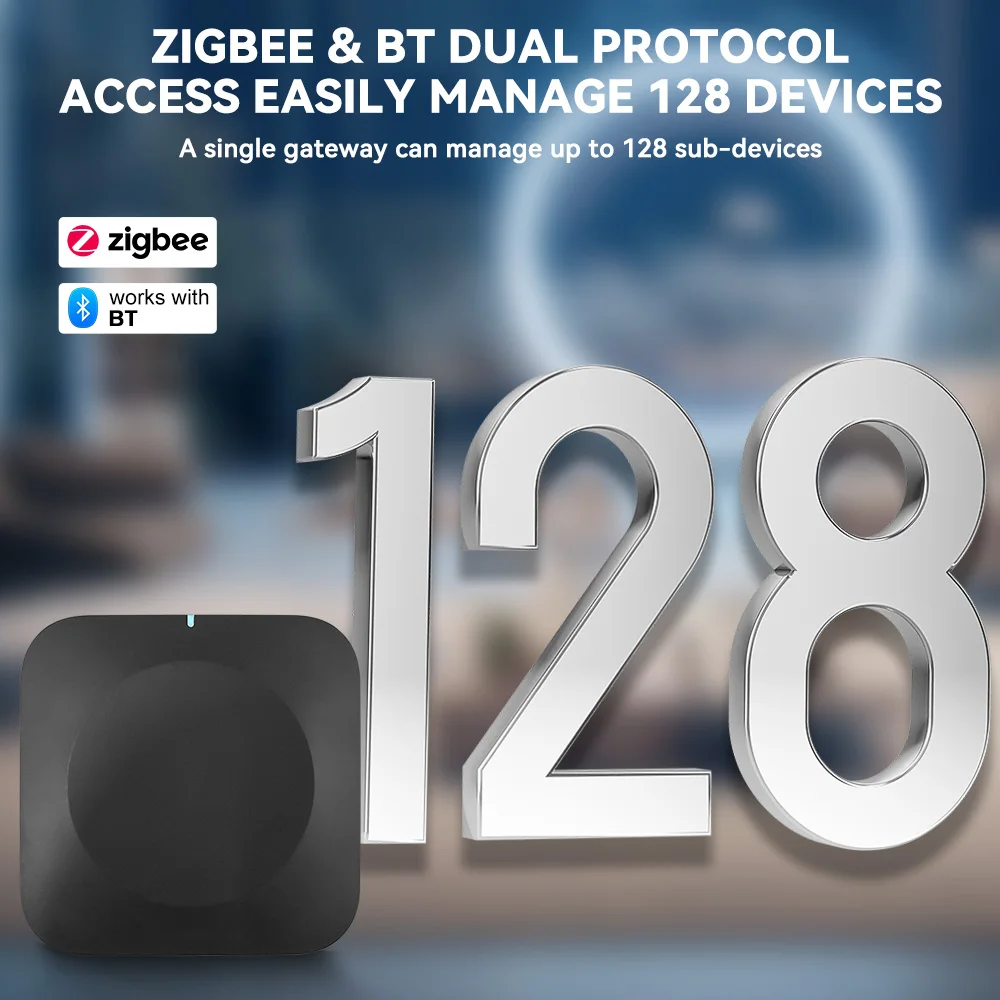
عدد الأجهزة الفرعية: 128
المنشأ: البر الرئيسي للصين
منصة المنزل الذكي: alexa,Tuya,Google Assistant
اختبار إشارة الجهاز الفرعي: مدعوم
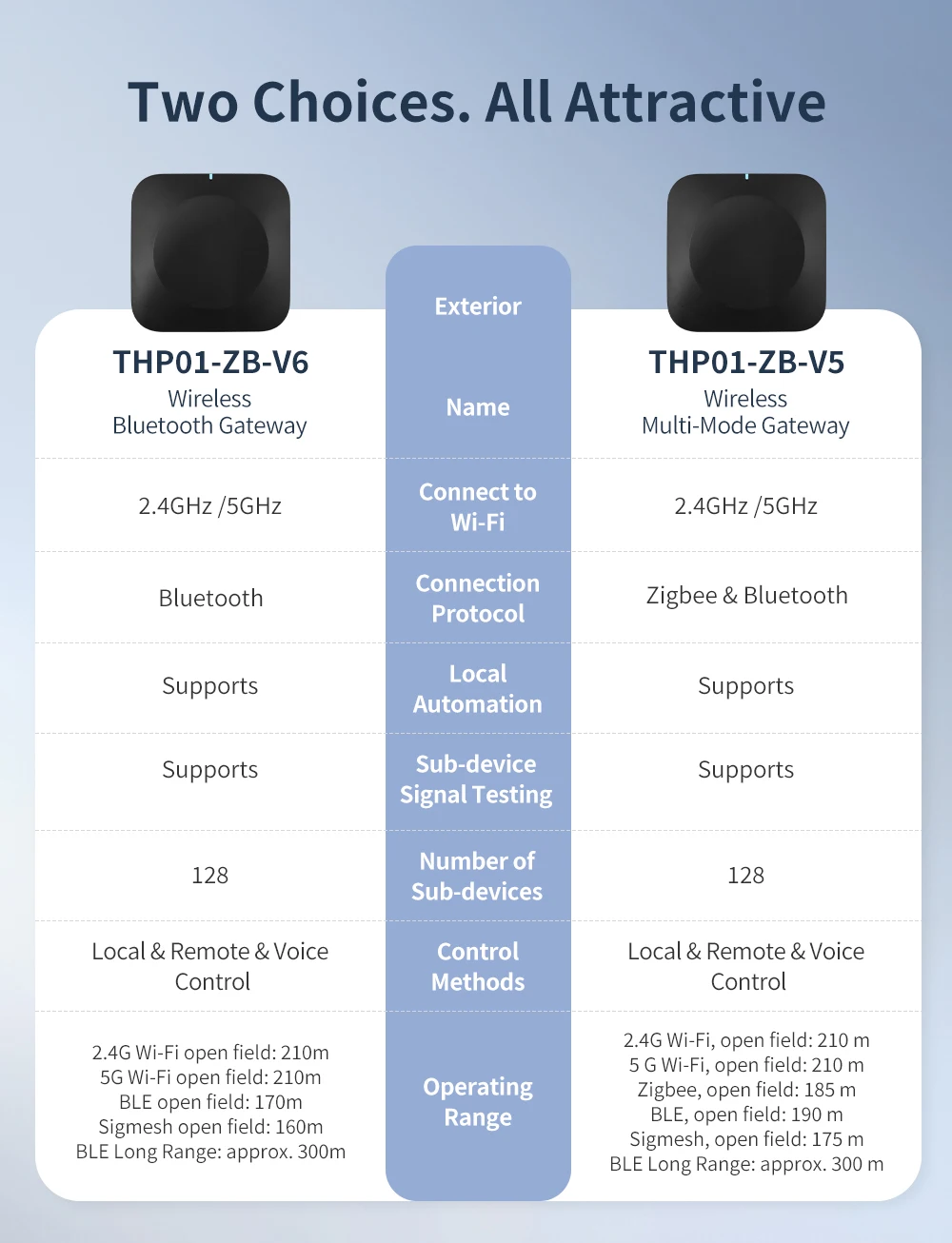
THPO1-ZB-V5 (بوابة متعددة الأوضاع): Zigbee & Bluetooth
THPO1-ZB-V6 (بوابة بلوتوث): (فقط) بلوتوث
البوابة الذكية هي العقل المدبر لمنزلك الذكي، مما يتيح التحكم المنسق في جميع أجهزة المنزل الذكي الأخرى. لقد أعددنا لك العديد من المجموعات الشائعة - لا تتردد في اختيار ما يناسبك!
يرجى ملاحظة: يدعم الموديل V5 Zigbee وWi-Fi والبلوتوث؛
يدعم الموديل V6 Wi-Fi والبلوتوث (لا يوجد zigbee)
📌 نظرة عامة على المنتج
✨ الميزات الرئيسية
-
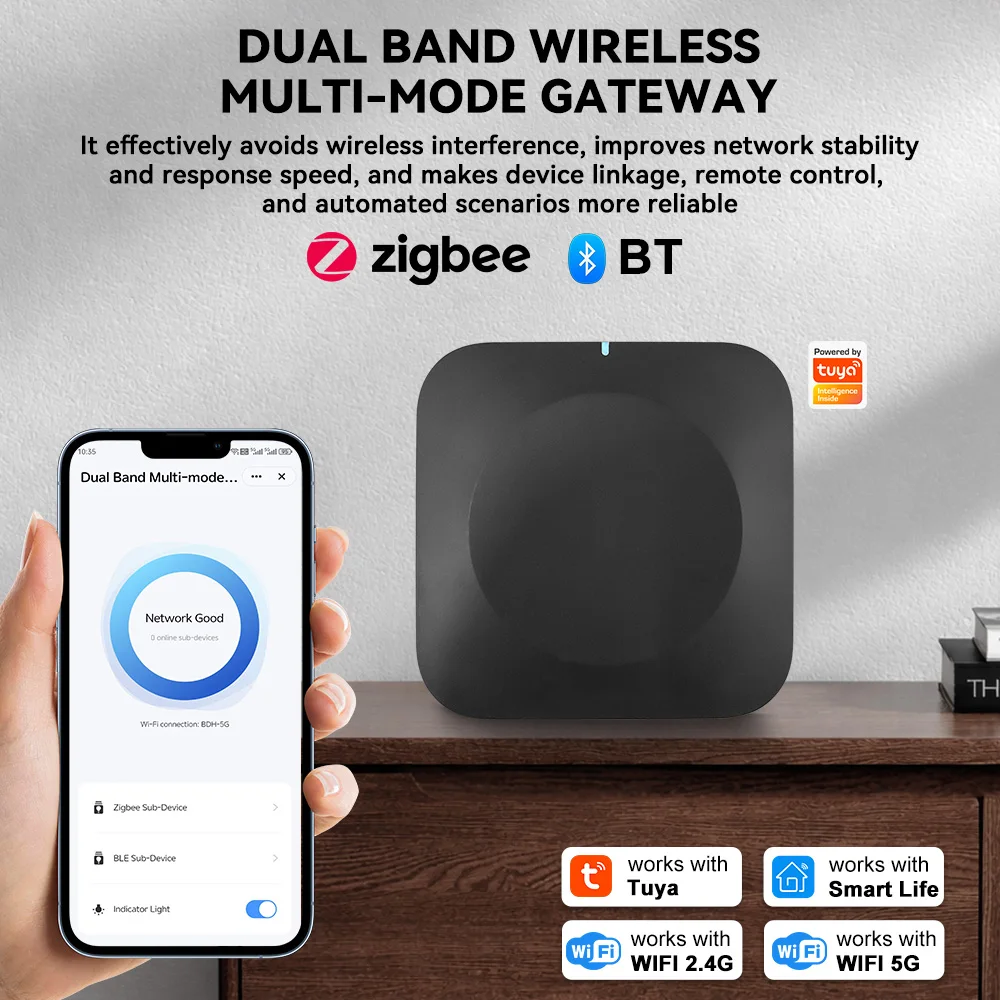
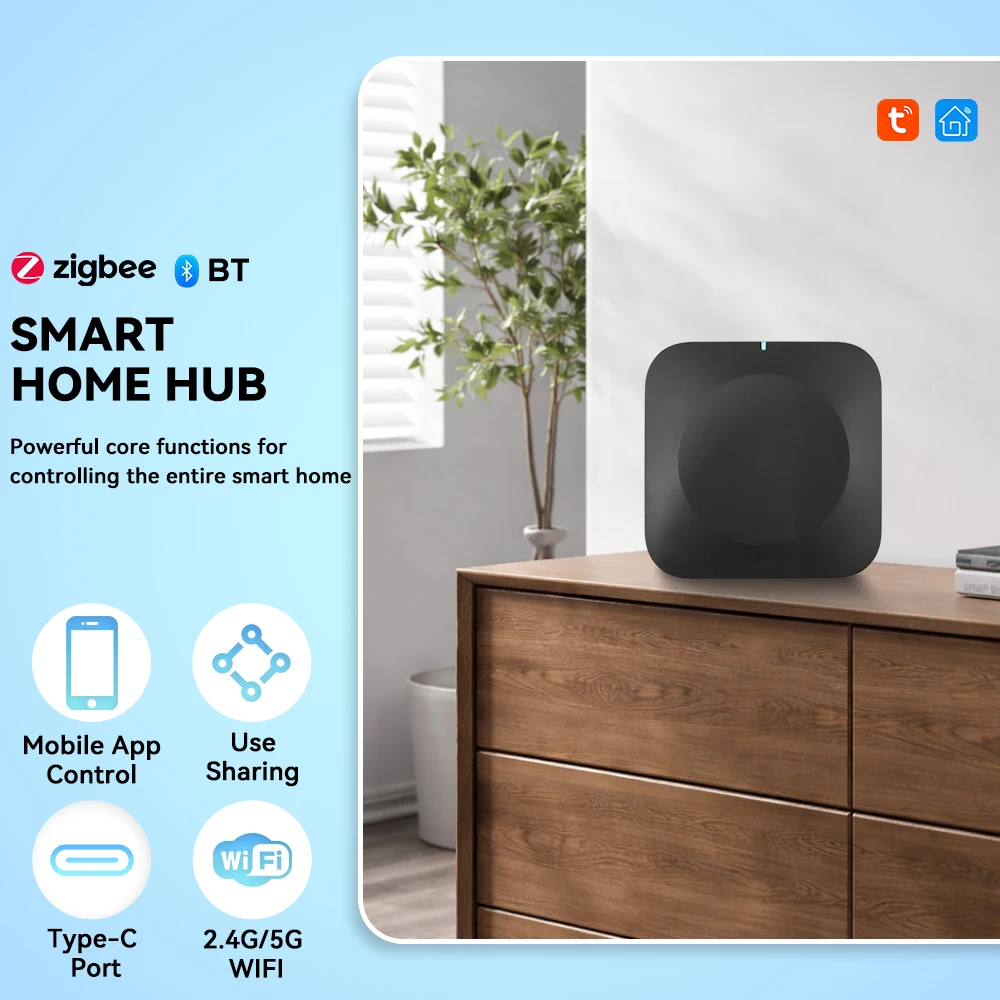
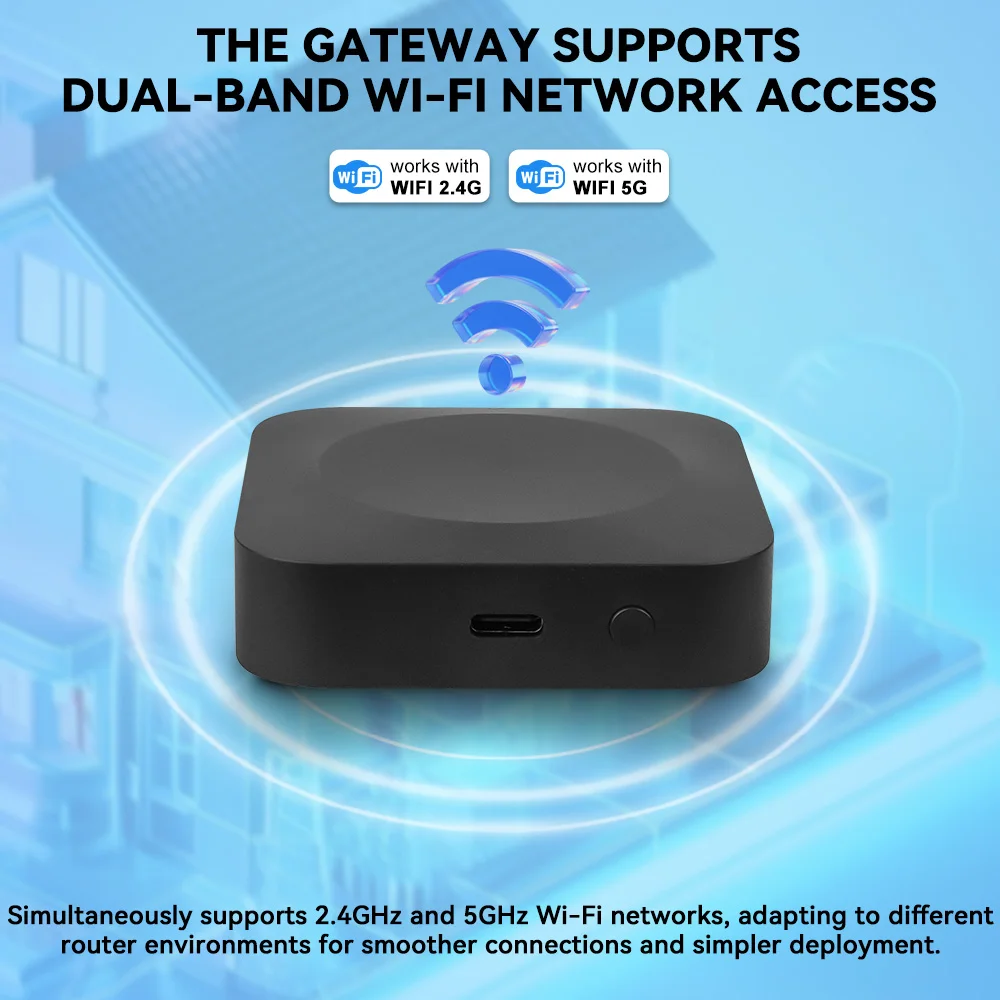
توافق شبكة WiFi ثنائية النطاق وبروتوكولات متعددةيدعم شبكات WiFi 2.4 جيجا هرتز و 5 جيجا هرتز في وقت واحد، متكيفًا مع جميع بيئات أجهزة التوجيه. متوافق مع Zigbee 3.0 و Bluetooth BLE، ويتصل بمعظم أجهزة Tuya الذكية، مما يحل مشكلات التوافق للبوابات التقليدية أحادية النطاق/أحادية البروتوكول.
-
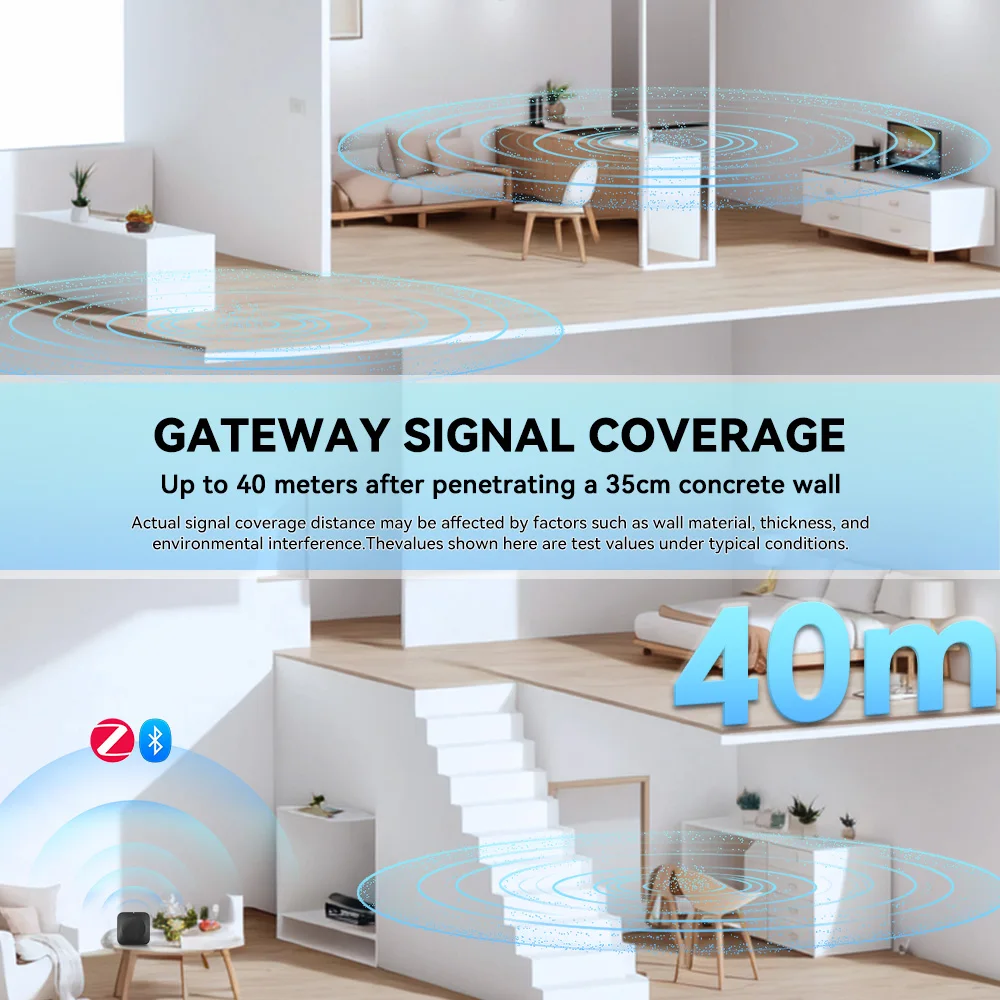
تغطية واسعة واختراق قوي للجدرانيصل مدى الإشارة إلى 40 مترًا بعد اختراق جدار خرساني بسمك 35 سم، مما يجعله مثاليًا للشقق الكبيرة والفيلات والمنازل متعددة الطوابق، مما يضمن عدم وجود مناطق ميتة في تغطية منزلك الذكي.ملاحظة: قد تتأثر تغطية الإشارة الفعلية بمادة الجدار وسمكه وتداخل البيئة. القيمة الموضحة هي نتيجة اختبار في ظروف نموذجية.
-
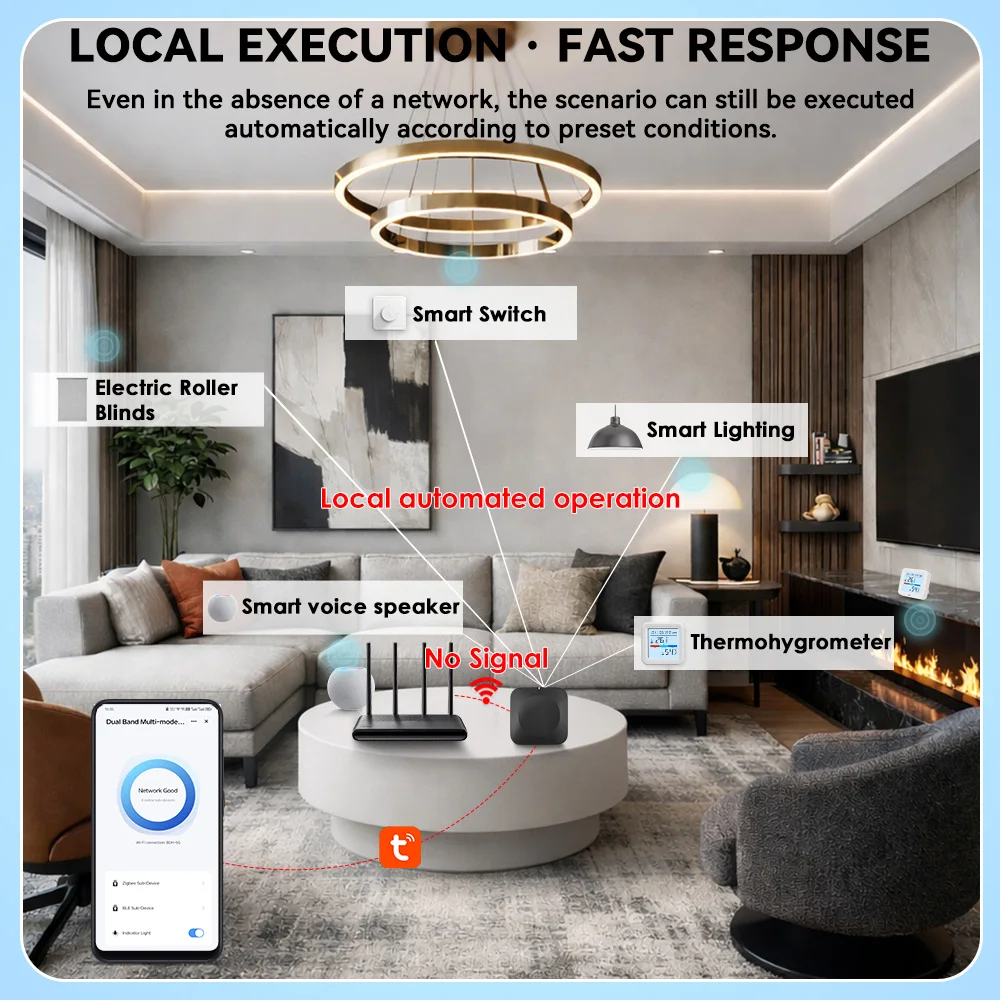
أتمتة محلية بدون شبكةحتى بدون الاتصال بالإنترنت، سيتم تنفيذ السيناريوهات المحددة مسبقًا تلقائيًا (على سبيل المثال، فتح الباب وإضاءة الأضواء، إنذار تسرب المياه، ربط الأمان)، مما يحافظ على أمان منزلك ووظائفه الذكية تعمل بسلاسة في جميع الأوقات.
-
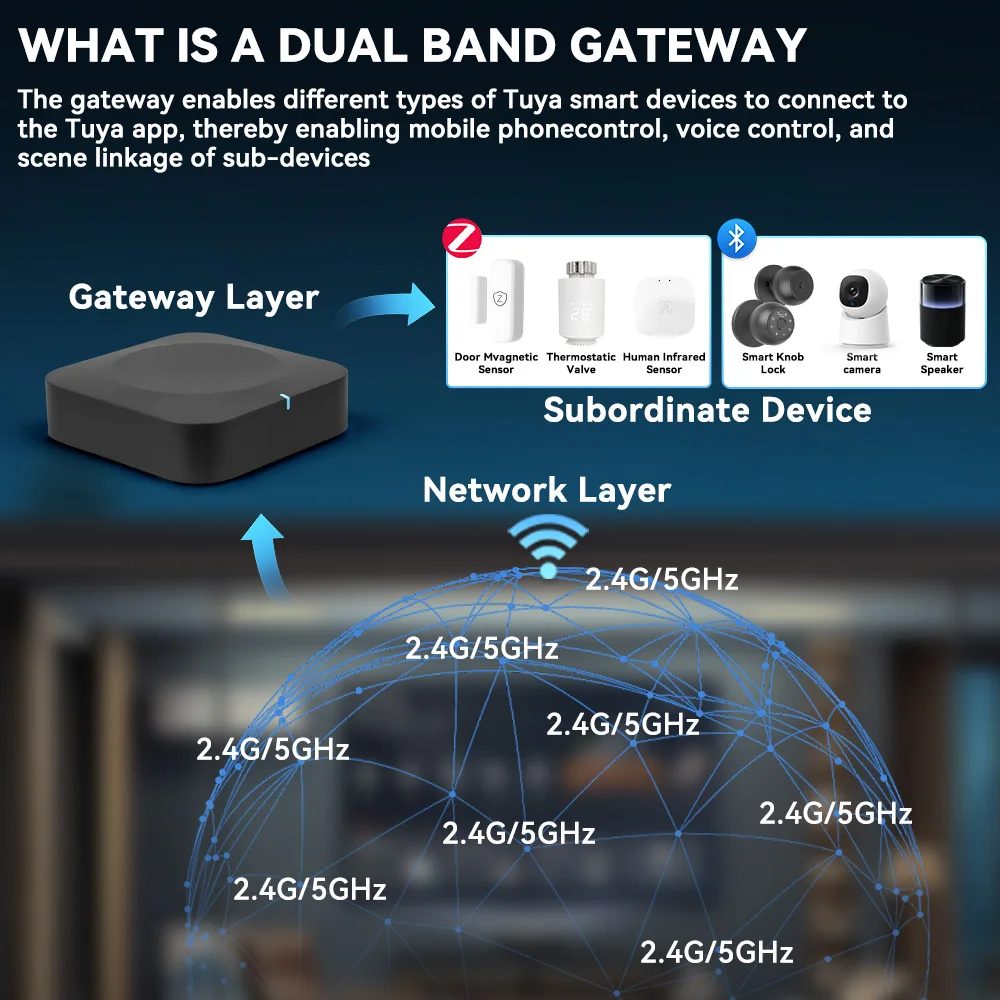
دعم نظام Tuya/Smart Life البيئيمتوافق تمامًا مع Tuya Smart و Smart Life APP، ويدعم التحكم عن بعد، والتحكم الصوتي (يعمل مع Alexa/Google Assistant عبر نظام Tuya البيئي)، وربط المشاهد المخصصة، وإدارة شاملة لجميع أجهزتك الذكية.
-
اتصال مستقر وخالٍ من التداخليتجنب التداخل اللاسلكي بشكل فعال، ويحسن استقرار الشبكة وسرعة الاستجابة، مما يجعل ربط الأجهزة والتحكم عن بعد والسيناريوهات الآلية أكثر موثوقية.
-
تحكم مركزي ذكي للمنزل بأكملهبوابة واحدة تربط جميع الأجهزة الفرعية من Tuya Zigbee/BLE (مستشعر الباب، مستشعر PIR، مستشعر تسرب المياه، منظم الحرارة، مفتاح ذكي، ضوء، ستارة، إلخ)، مما يلغي متاعب التطبيقات والبوابات المتعددة.
-
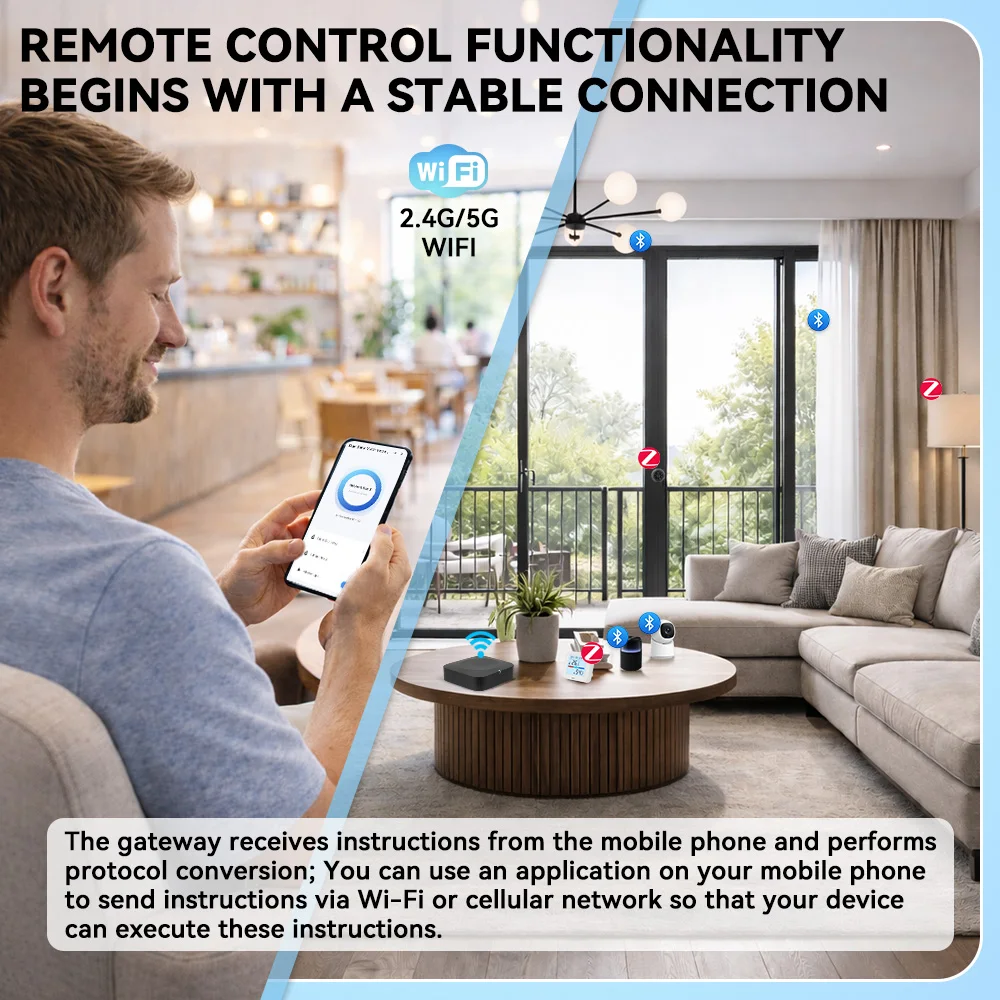
الوصول العالمي عن بعدتحكم في أجهزتك المنزلية الذكية في أي وقت ومن أي مكان عبر تطبيق هاتفك الذكي، بغض النظر عن مكان وجودك، حافظ على منزلك تحت السيطرة الكاملة.
- إعداد سهل ومشاركة عائليةمصدر طاقة من النوع C، إقران سريع بخطوات ثلاث، سهل للمبتدئين. يدعم مشاركة الجهاز، حيث يمكن لجميع أفراد العائلة التحكم في الأجهزة المنزلية الذكية معًا.
بروتوكول WiFi: 2.4 جيجا هرتز و 5 جيجا هرتز ثنائي النطاق
بروتوكول الأجهزة الفرعية: Zigbee 3.0، بلوتوث BLE
التطبيق المتوافق: Tuya Smart, Smart Life
تغطية الإشارة: تصل إلى 40 مترًا (بعد اختراق جدار خرساني بسمك 35 سم، قيمة الاختبار)
مصدر الطاقة: Type-C 5V/1A
درجة حرارة التشغيل: -10 درجة مئوية ~ 55 درجة مئوية
المواد: ABS
اللون: أسود
🔌 الأجهزة المتوافقة
هذه البوابة تعمل مع جميع الأجهزة الذكية من Tuya Zigbee/BLE، بما في ذلك على سبيل المثال لا الحصر:
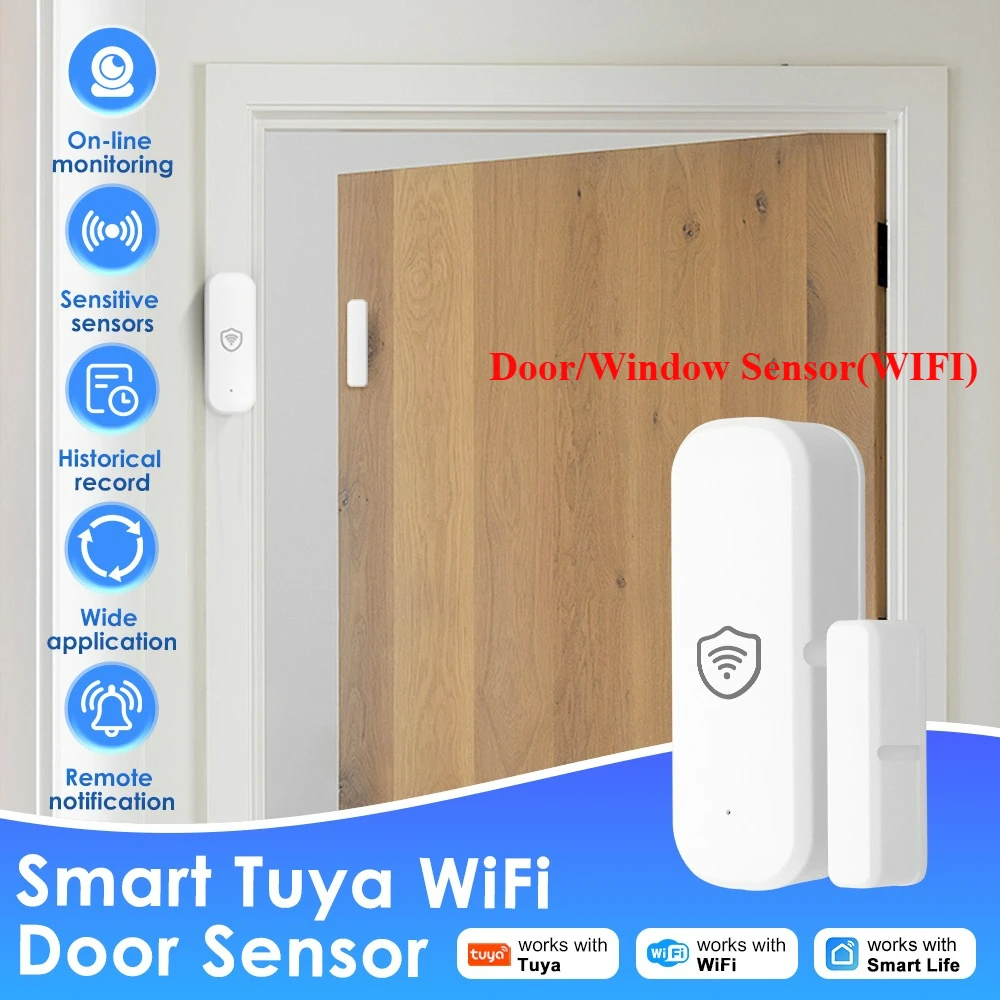
مستشعرات مغناطيسية للأبواب/النوافذ
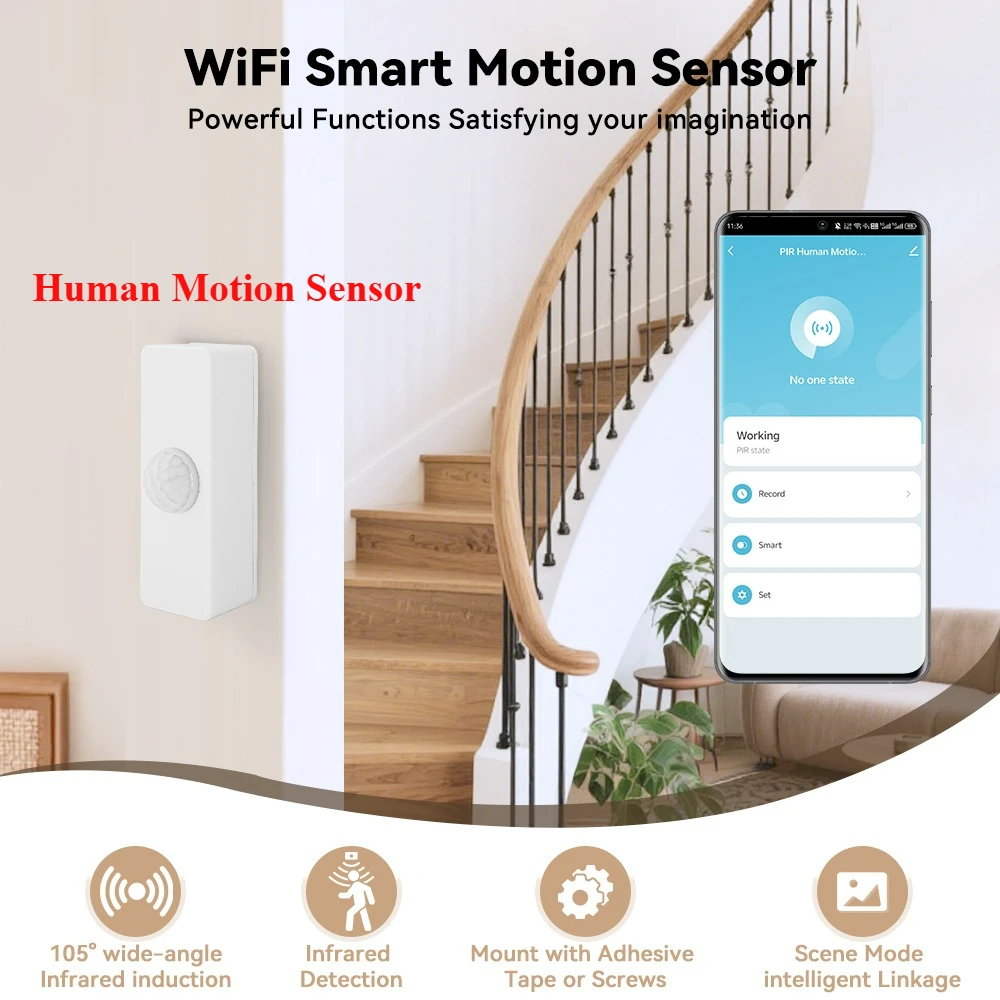
مستشعرات الأشعة تحت الحمراء البشرية PIR
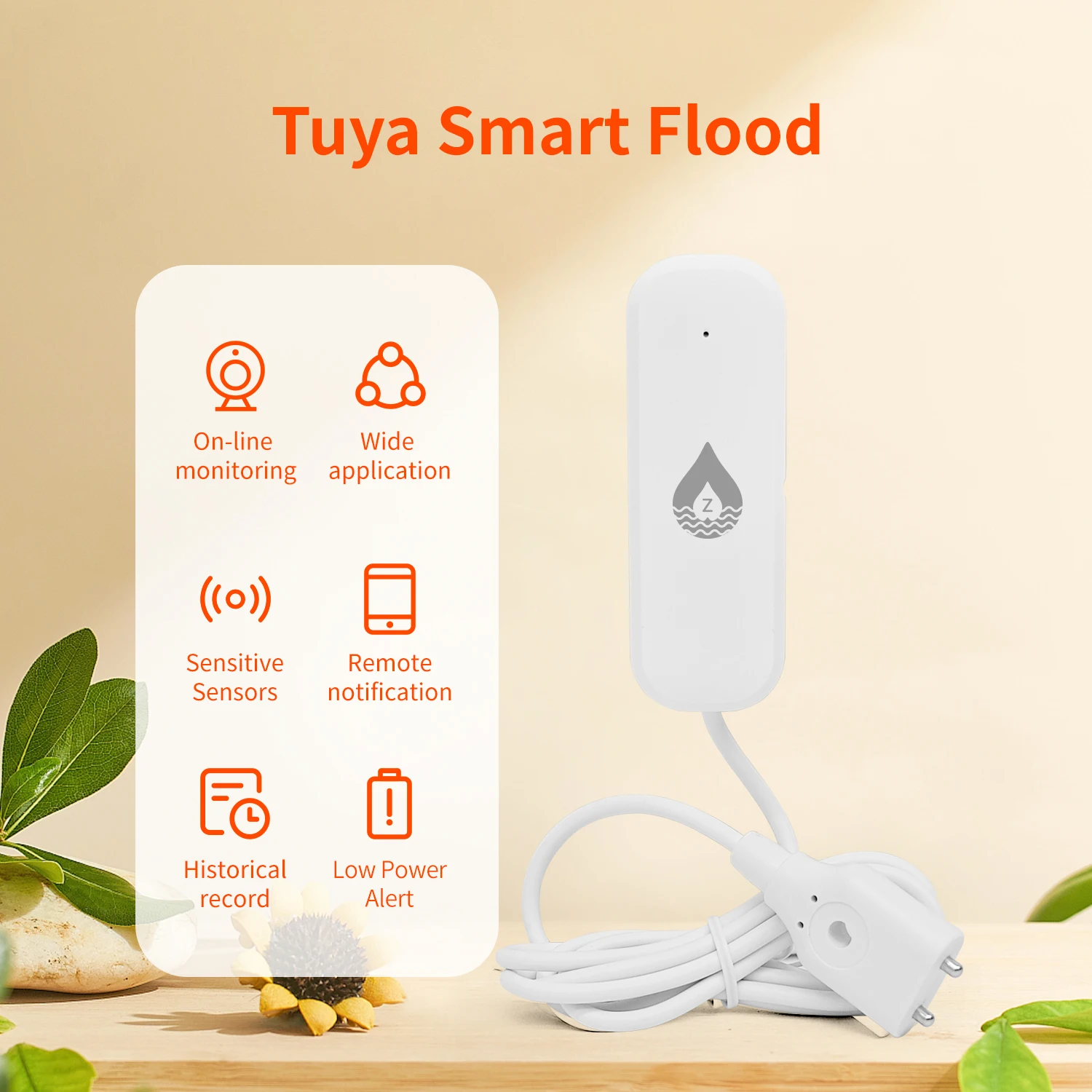
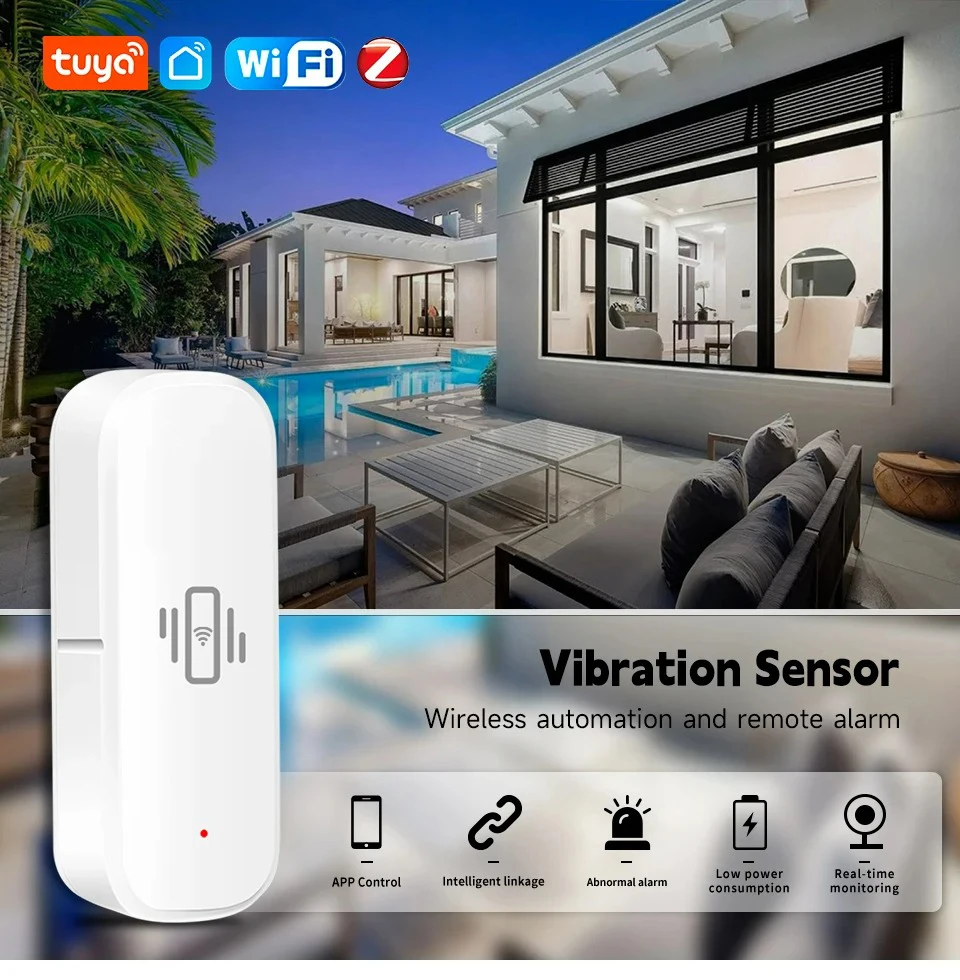
مستشعرات تسرب المياه / الاهتزاز
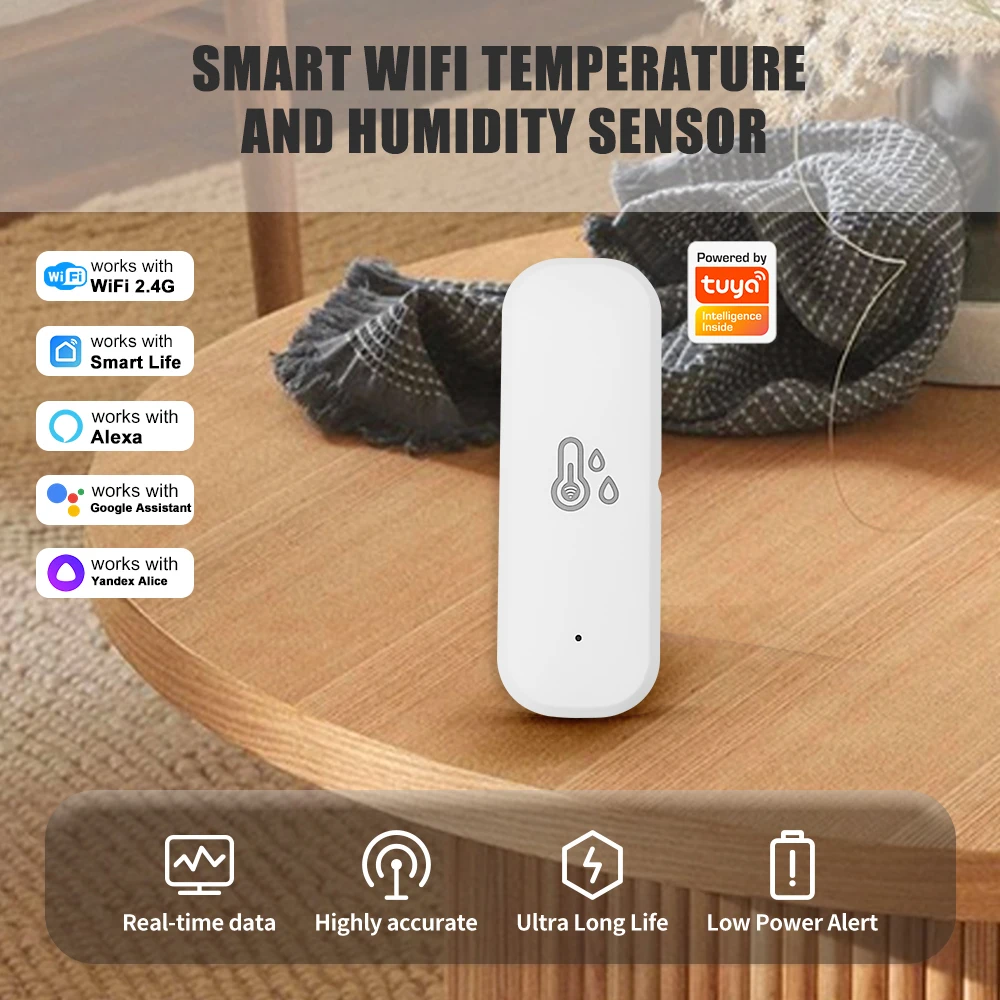
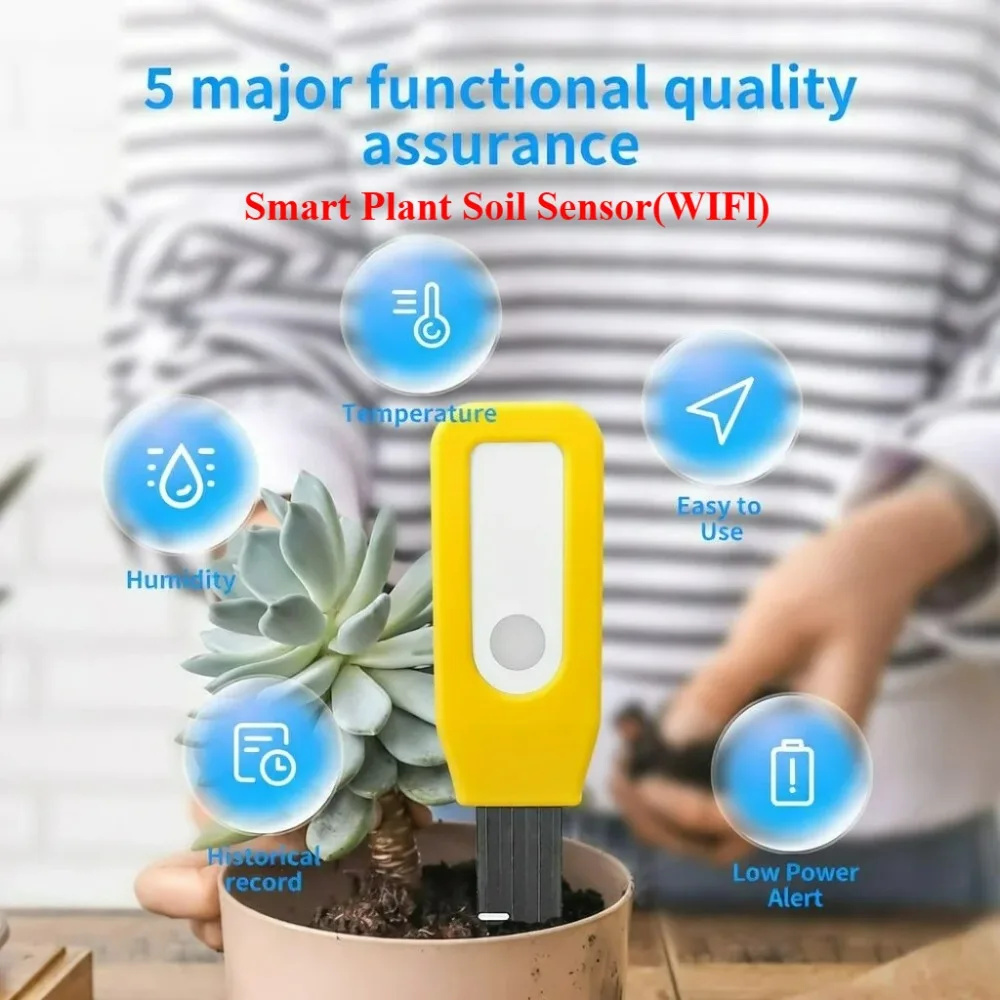
موازين حرارة ورطوبة التربة / المسبح
مفاتيح ومقابس وإضاءات ذكية
ستائر ذكية ومكفوفين ذكية
أقفال وكاميرات ومكبرات صوت ذكية
جميع الأجهزة الفرعية الأخرى من Tuya Zigbee/BLE
📝 دليل التثبيت
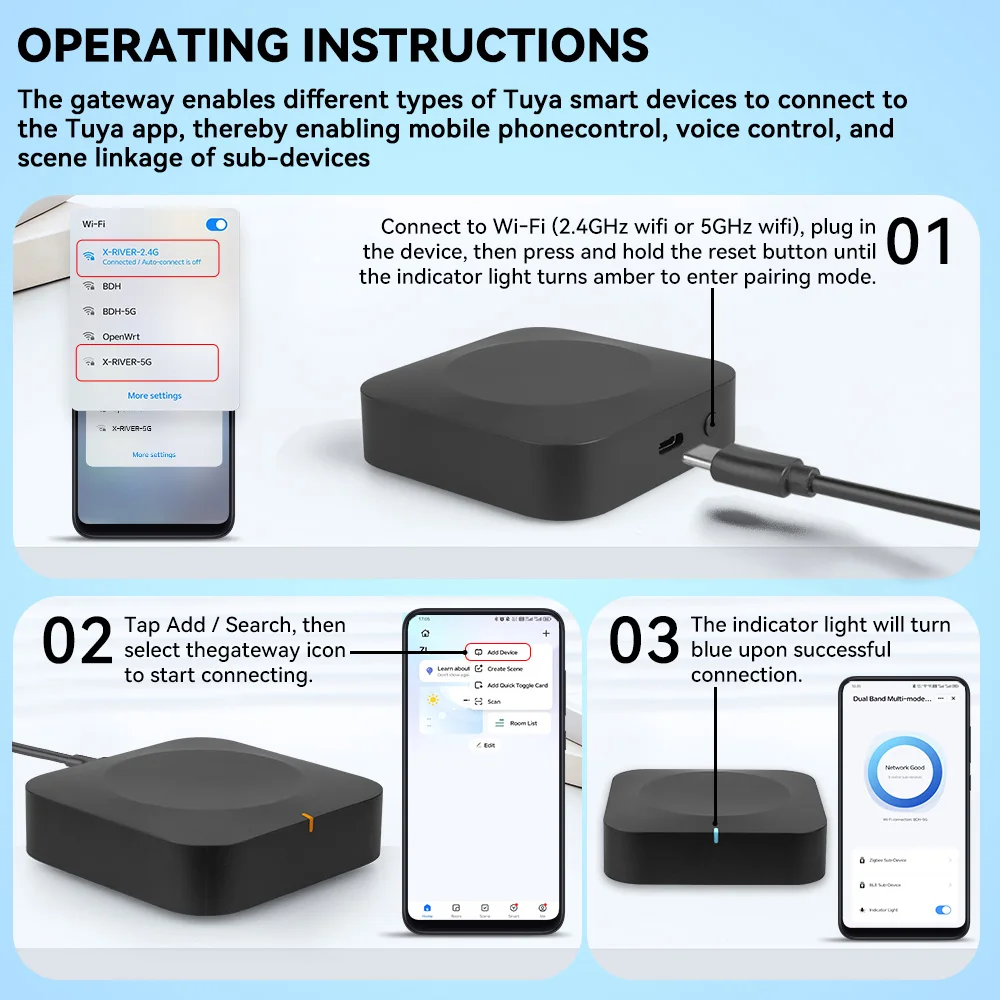
الخطوة 1: قم بتوصيل الجهاز عبر كابل Type-C، واتصل بشبكة WiFi بتردد 2.4 جيجا هرتز/5 جيجا هرتز، ثم اضغط مع الاستمرار على زر إعادة الضبط حتى يتحول المؤشر إلى اللون الكهرماني للدخول في وضع الإقران.
الخطوة 2: افتح تطبيق Tuya/Smart Life، اضغط على "إضافة جهاز"، ابحث عن أيقونة البوابة هذه وحددها لبدء الاتصال.
الخطوة 3: انتظر حتى يكتمل الاتصال، وسيتحول المؤشر إلى اللون الأزرق، ويمكنك البدء في إضافة الأجهزة الفرعية.
📦 قائمة محتويات العبوة
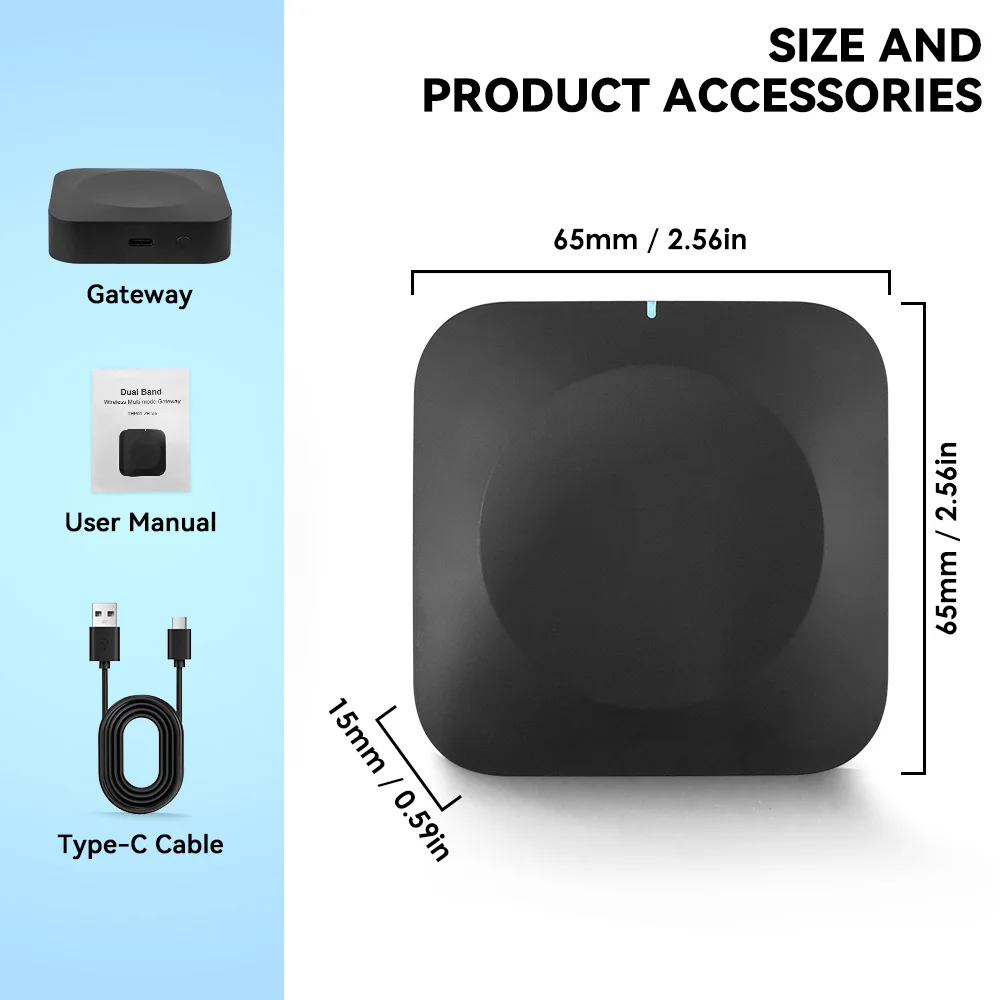
1 × بوابة Tuya ثنائية النطاق متعددة الأوضاع
1 × كابل طاقة من النوع C
1 × دليل المستخدم