Next-Gen
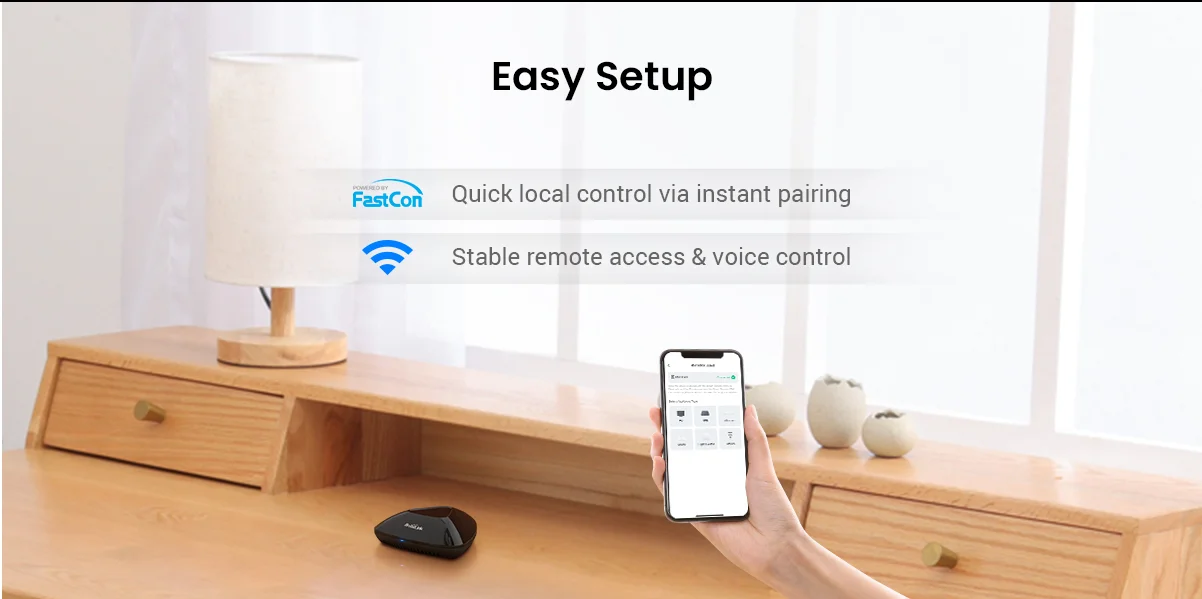
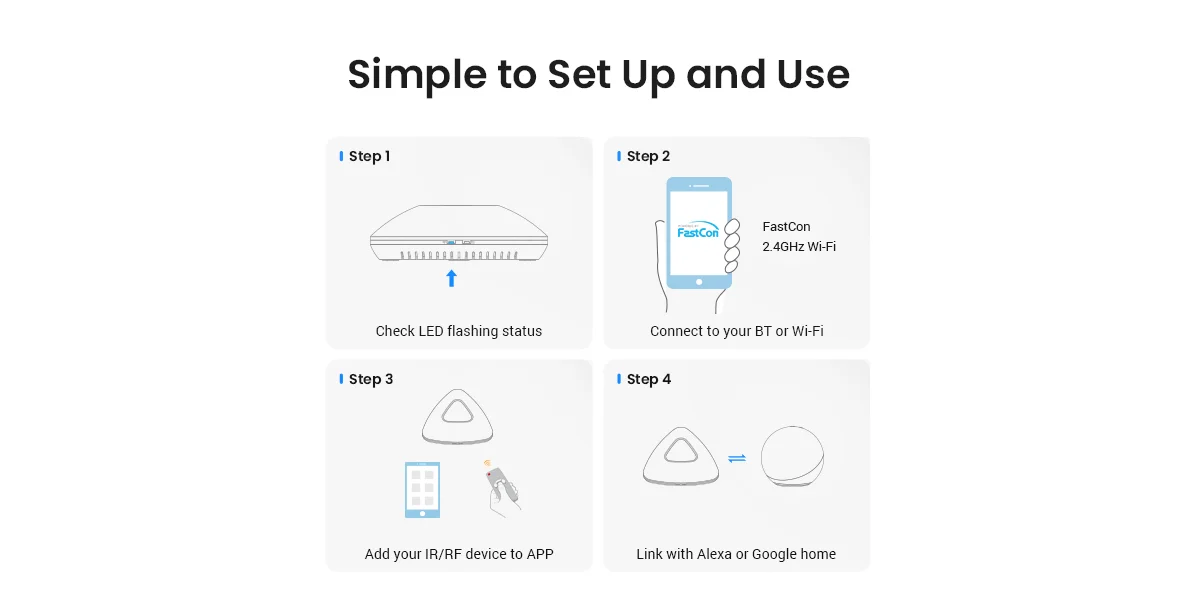
Smart Hub with BLE Quick Setup – Broadlink RM MAX is a high-performance
smart hub enhanced with BLE for faster device pairing and local
control. Set up your smart home in minutes with intuitive configuration.
Multi-Device
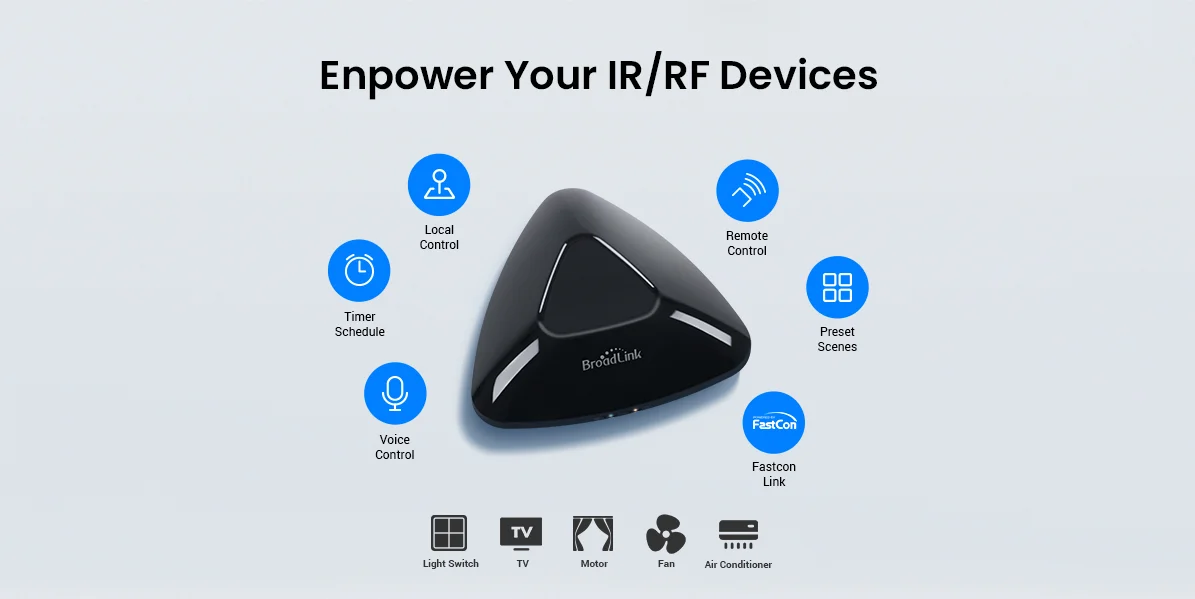
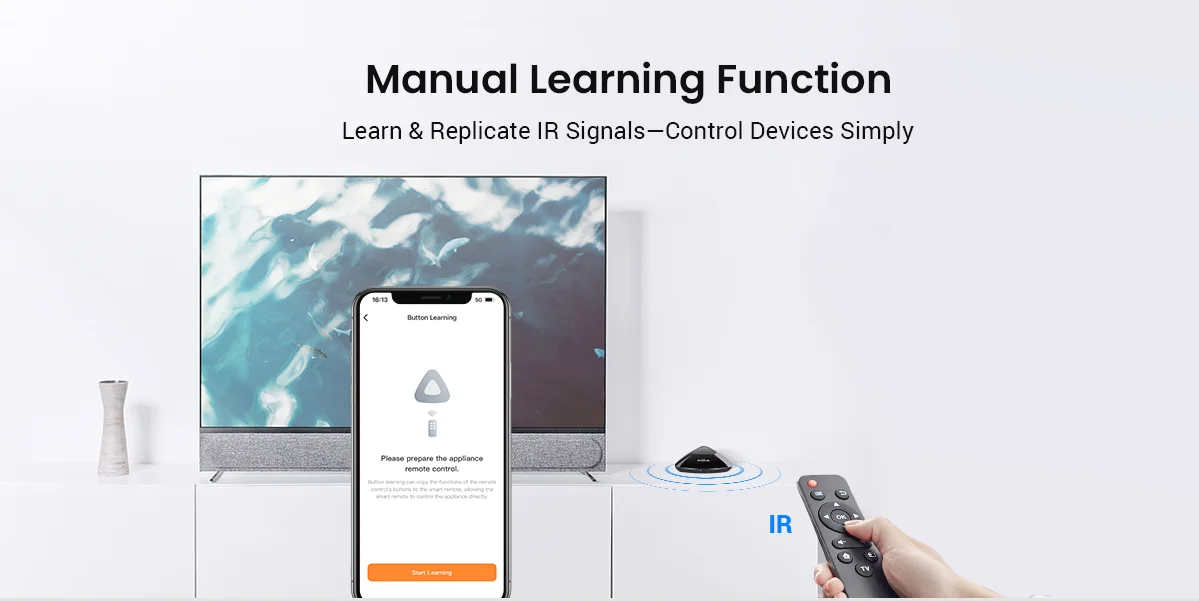
IR & RF Control – Supports a wide range of IR and RF-controlled
devices—from TVs, air conditioners, and audio systems to RF fans, roller
blinds, and switches. Manage multiple devices through a single app.
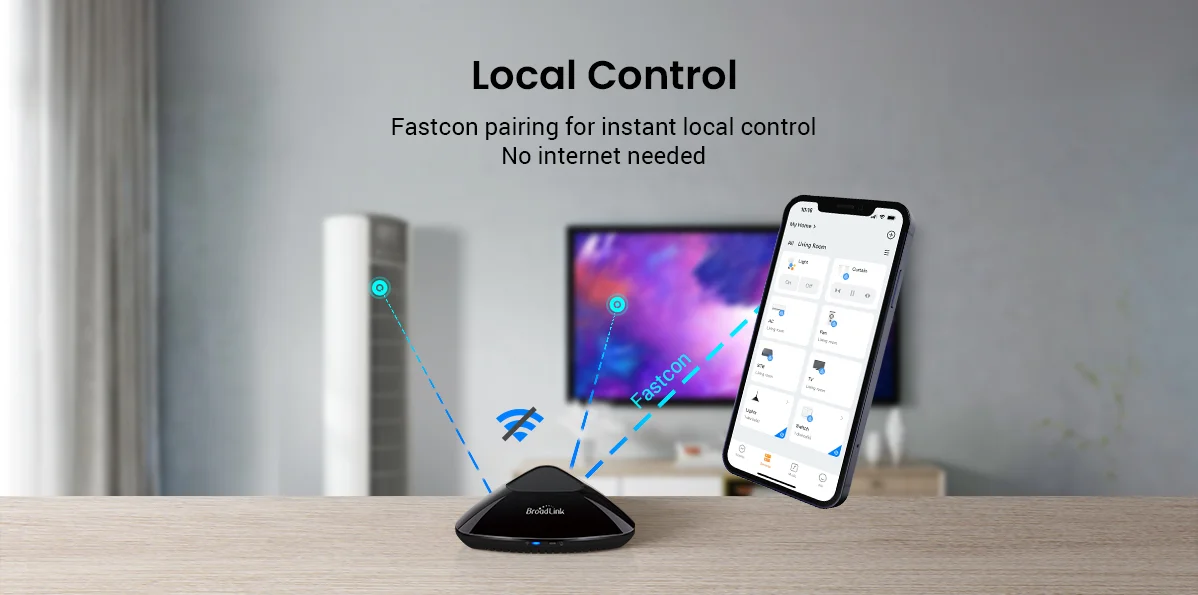
Local
Control, Even Without Wi-Fi – Maintain control of your smart home even
during network outages. Once configured, RM MAX supports local device
control via BLE—no internet connection needed.
Upgraded
App with FastCon Integration – The new Broadlink Magic Home app
delivers a refined interface and integrates FastCon-enabled smart bulbs
(LB4E26, GU10) and sensors (motion, door, temperature/humidity). RM MAX
acts as the smart hub for managing and automating your FastCon
ecosystem.
Hands-Free
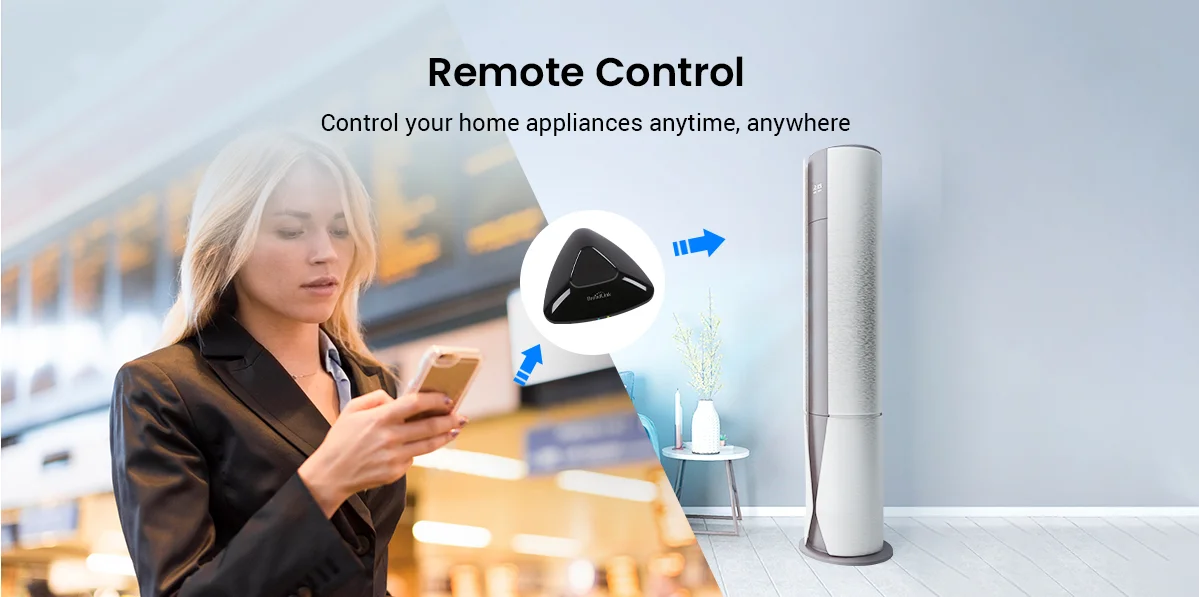
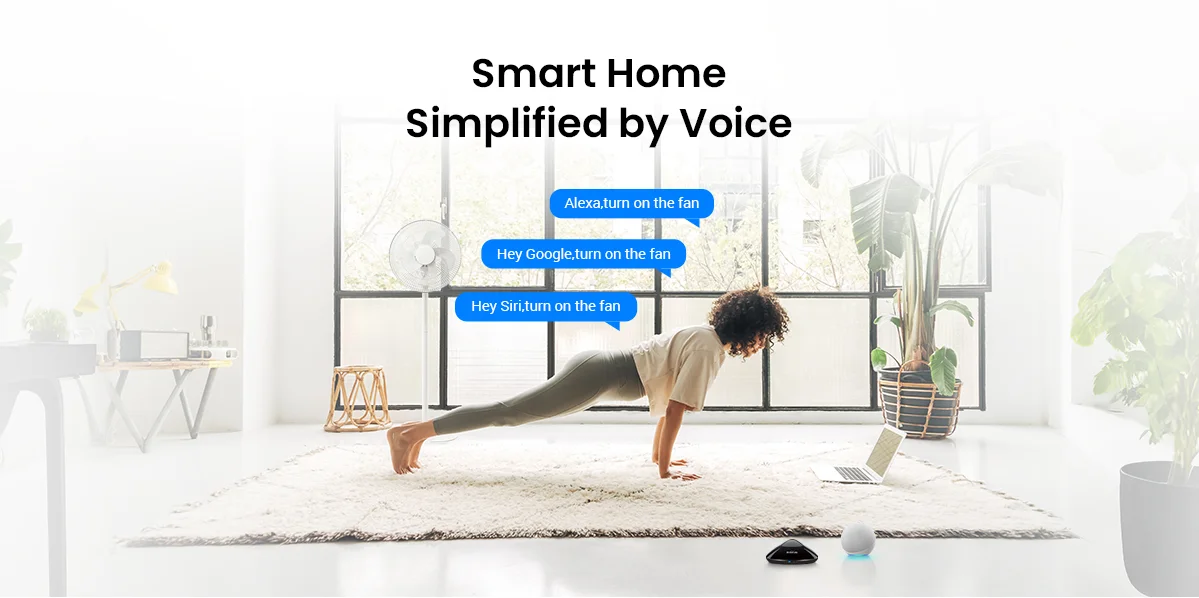
Voice & Remote Access – Once connected to 2.4GHz Wi-Fi, RM MAX
enables remote device control and supports voice assistants like Alexa
and Google Home. Manage your devices from anywhere—home, office, or on
the go.
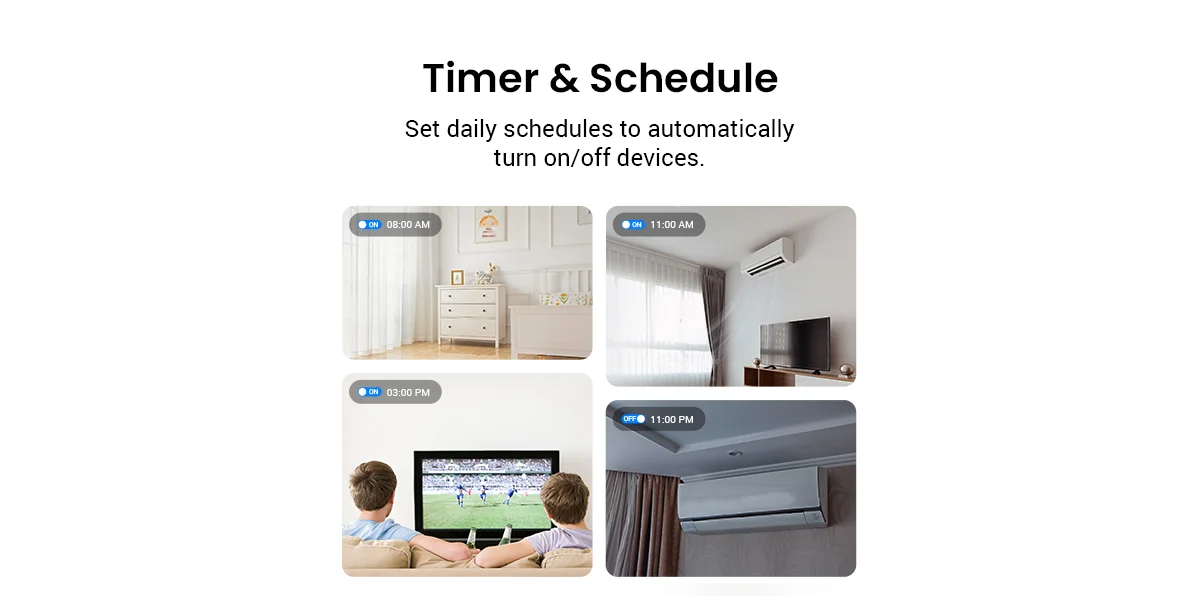
Create
Scenes & Smart Routines – Customize one-tap scenes and automation
schedules. Whether it’s “Good Morning” to open blinds and play music, or
“Bedtime” to power down devices, RM MAX helps simplify your daily
routines for comfort and energy savings.
Support Wi-Fi \ 3G \ 4G control
Controlling
433MHz \315MHz RF (433Mhz/315Mhz(without encryption and fixed
code))devices llike curtain\shades motor,light switch...
Local IR code for faster response
OPMERKING:NOT Support external HTS2 sensor accessory
Compatibility of RM4 max:
WiFi
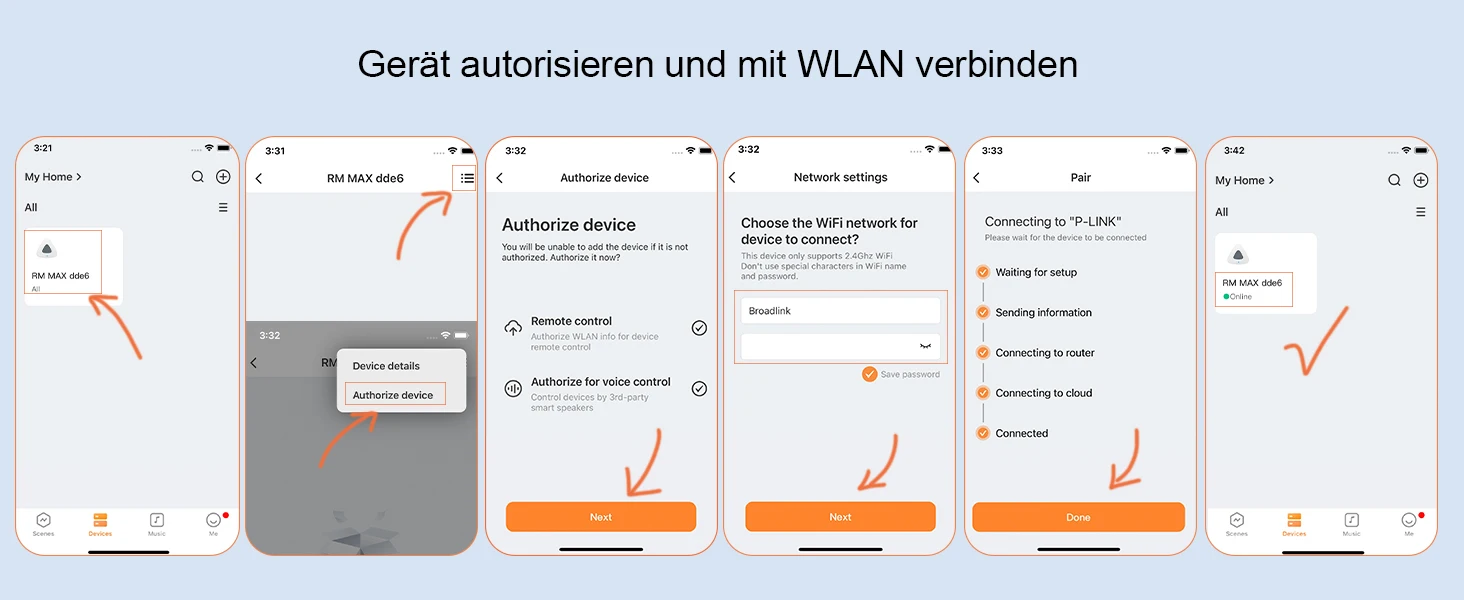
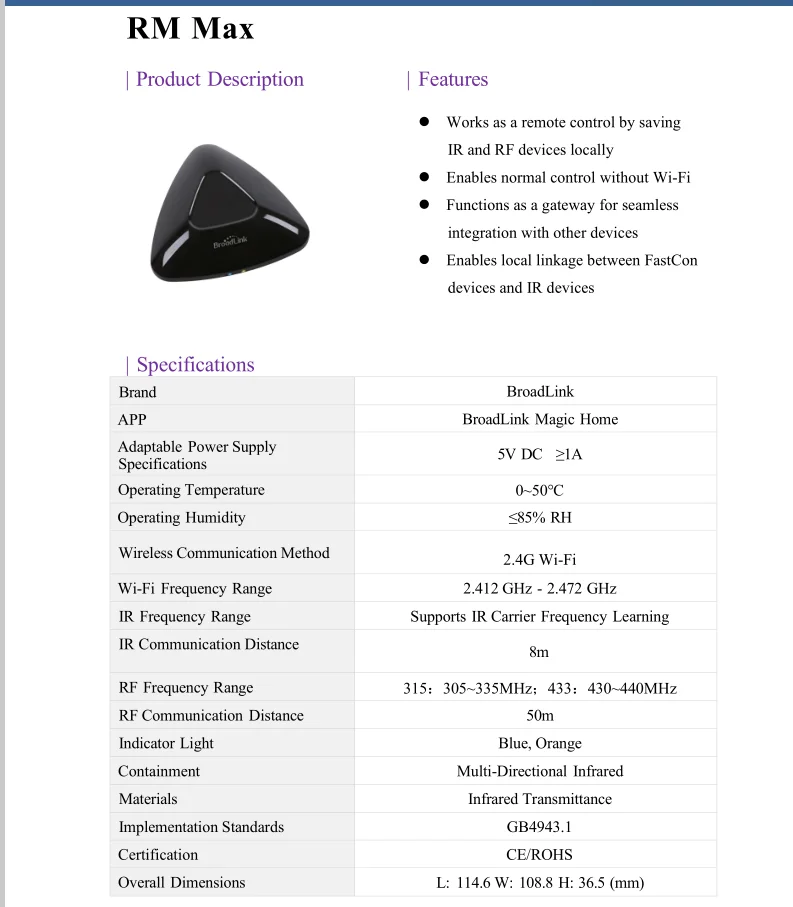
Router: RM4 max supports 2.4 GHz (not 5 GHz) Wi-Fi for configuration in
the App, does not support mesh router. The Wi-Fi password should
contain no more than 32 characters and no special characters which are
not available on standard keyboard layout.
IR
control: RM4 max supports IR 38KHz devices. Since IR signals can only
be received in the absence of obstacles, please make sure there are no
obstacles between the RM4 max and your IR device.
RF
control: RM4 max supports RF 433MHz fixed code controlled devices, does
not support RF Rolling Code control or learning. Please check the User
Manual or Instruction before purchasing to make sure your RF device is
NOT a Rolling Code. Generally, the remote control that needs to be
paired for the first use is Rolling Code.
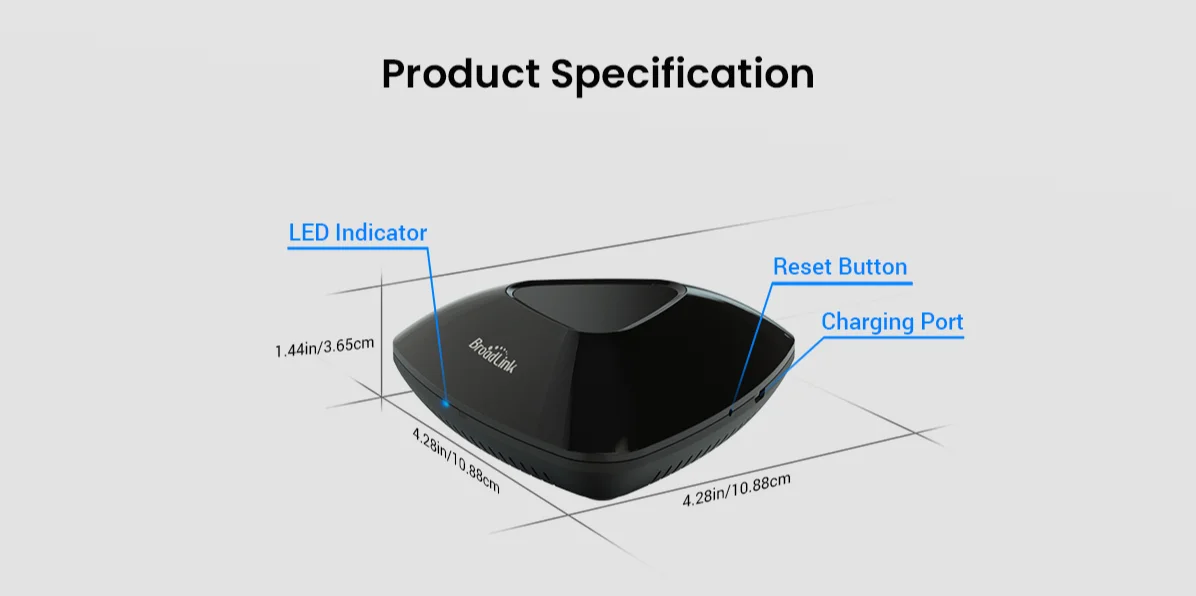
Package includes: 1x RM4 max Universal Remote, 1x USB Charger Cable, 1x Mounting board, 1x Manual. (NOT Support external HTS2 sensor accessory)
Why RM4 max Does Not Support Rolling Code?
A
rolling code (or hopping code) that changes for every use is commonly
used in radio frequency (RF) control systems especially those requires
access control or privacy protection. It is a simple encryption method
to prevent attackers from controlling electrical devices easily. This is
usually applied on some brands of curtain/blind/shade motors to provide
higher privacy protection.
With
this principle, even RM4 max can successfully learn the RF code, it
will be unable to control rolling code RF device. Actually this is not a
fault of BroadLink's device or software but the mechanism of rolling
code prevents it working as it was intentionally designed for security
and privacy.
Generally,
the remote control that needs to be paired for the first use is Rolling
Code. Please kindly check the User Manual or Instruction before
purchasing to make sure your RF device is NOT a Rolling Code. If you are
not sure, please provide us with the Brand and Model so we can check it
for you.