ACEFAST Anti-Lost Keychain – Apple Find My PU Leather Tracker for Bags & Suitcases


ACEFAST Anti-Lost Keychain – Apple Find My PU Leather Tracker for Bags & Suitcases
SPECIFICATIONS
Brand Name: ACEFAST
Choice: yes
High-concerned chemical: None
Model Number: S4
Operating Language: English
Origin: Mainland China
Range: Other
semi_Choice: yes
waterproof: No
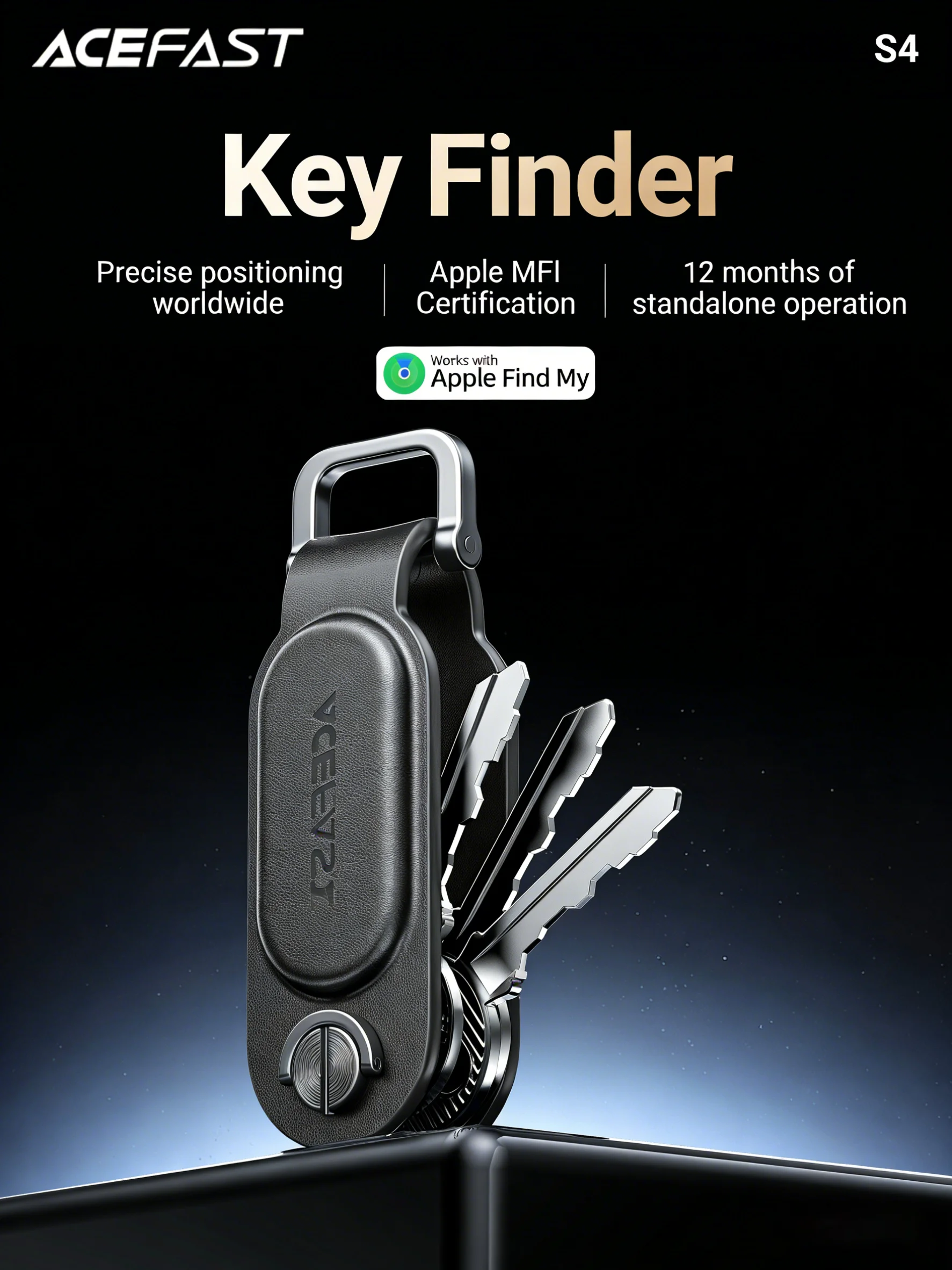
ACEFAST S4 keychain positioning device
Product information:
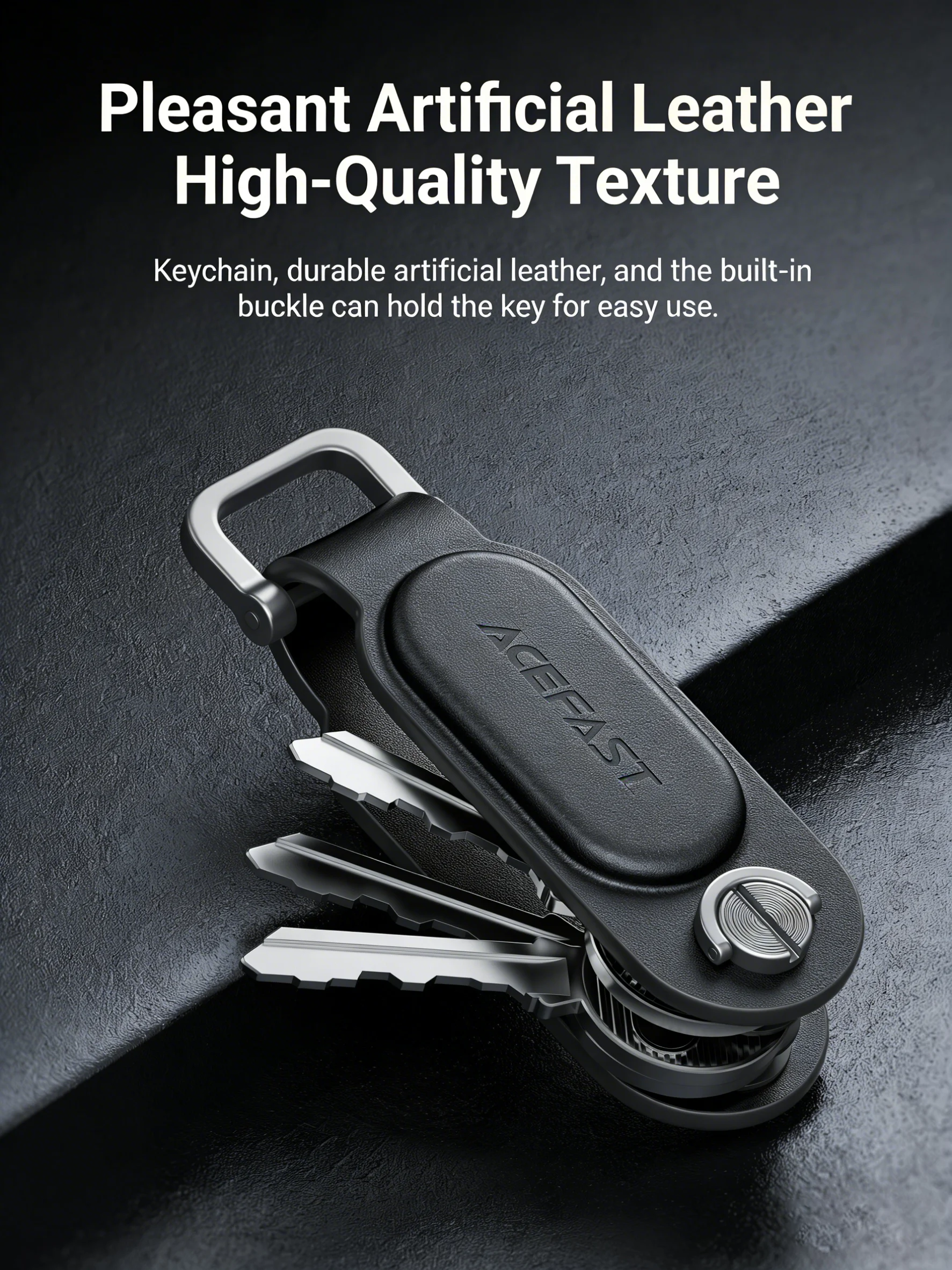
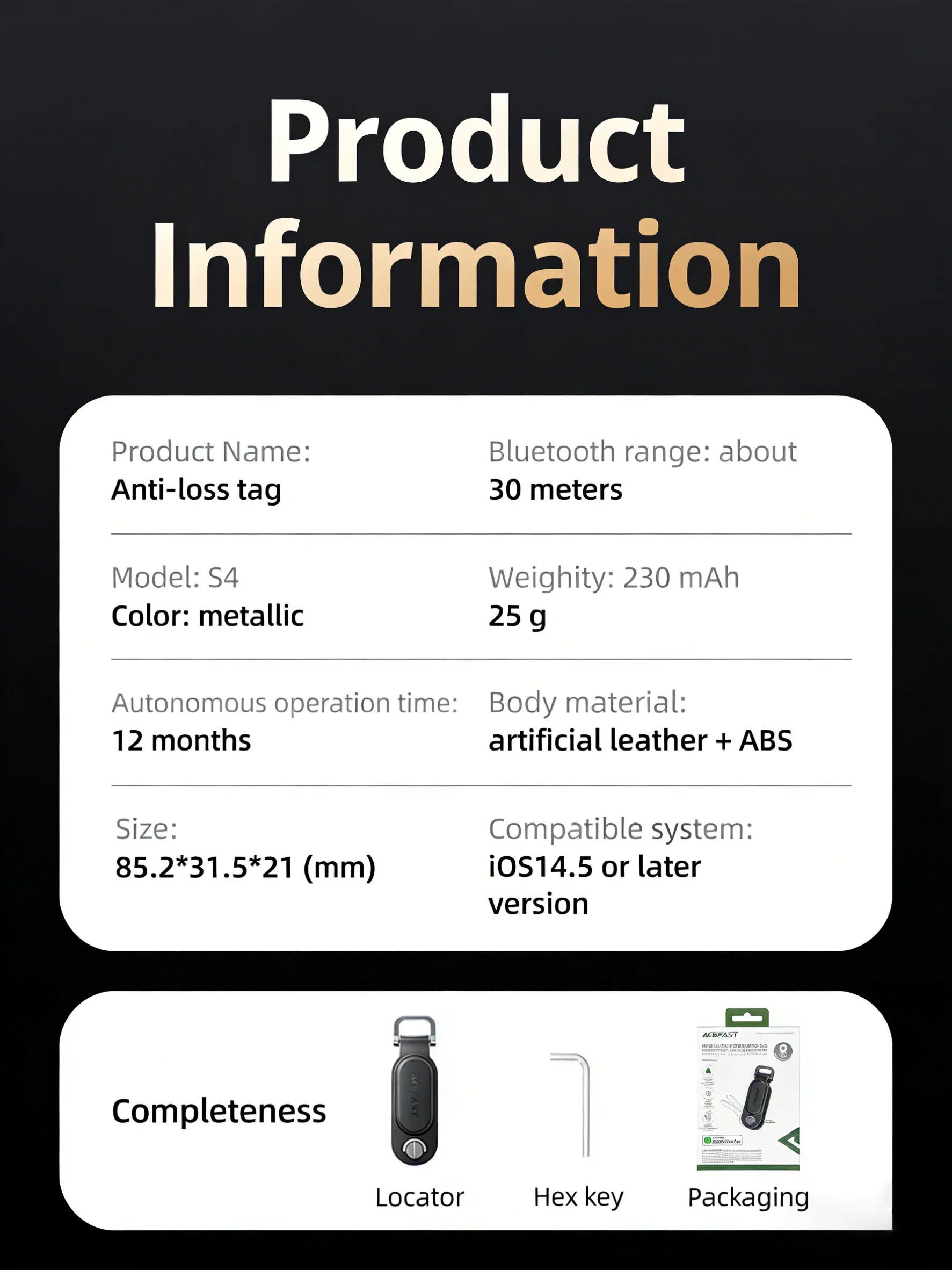
1. Material: PU leather + ABS
2. Size: 85.2*31.5*21mm; weight: 25g
3. Battery: 230mAh/CR2032
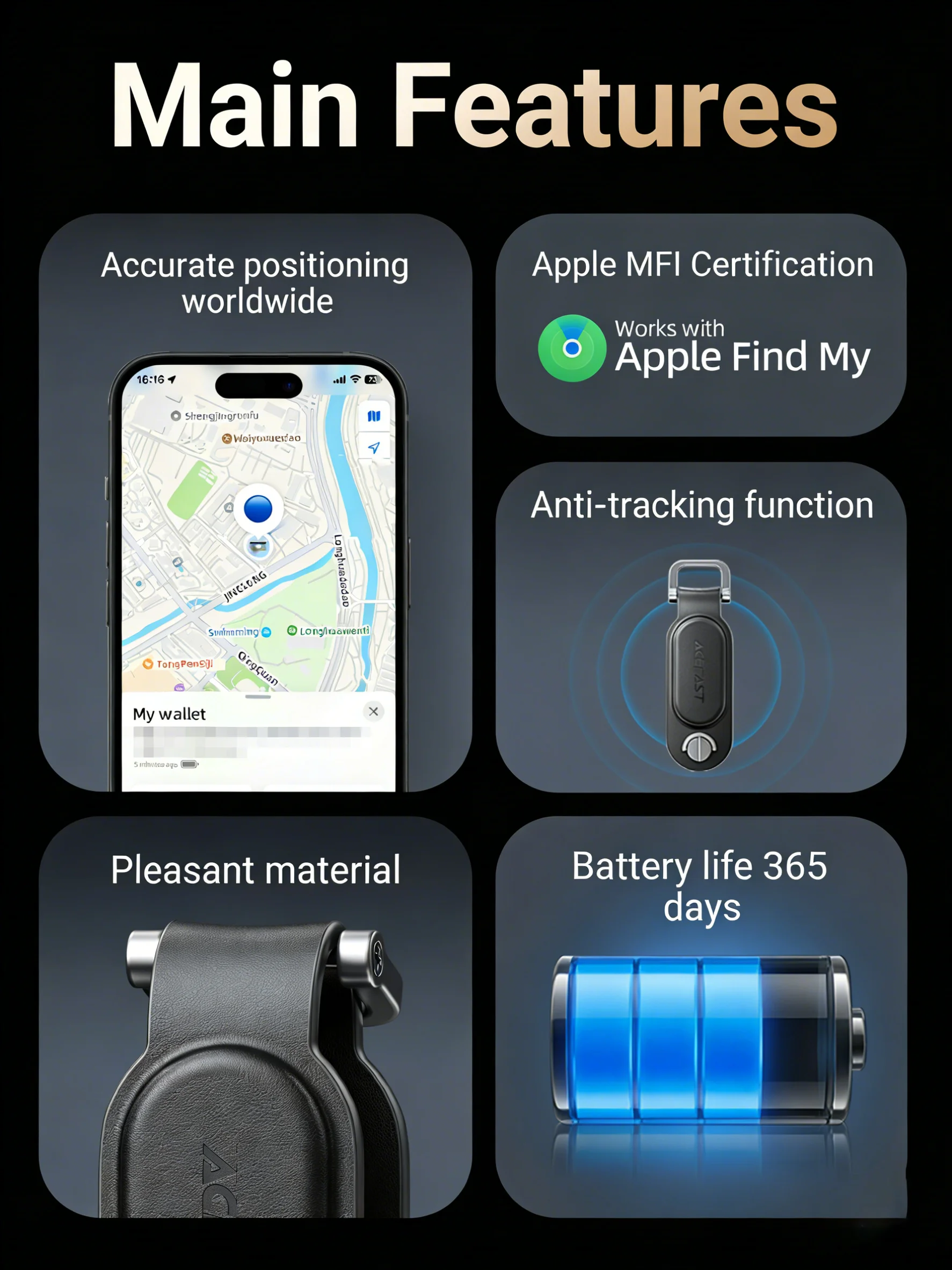
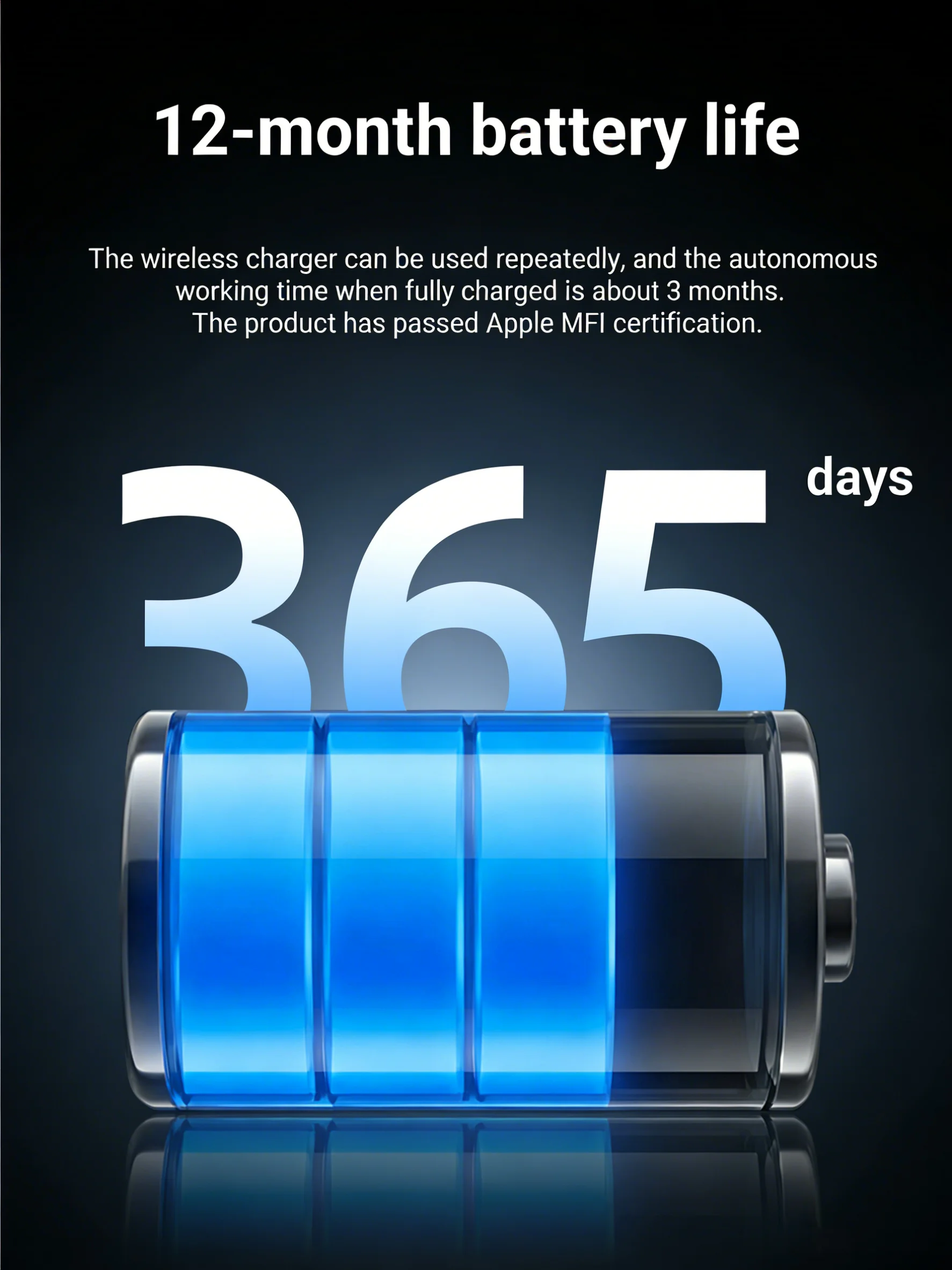
4. Battery life: 12 months
5. Bluetooth distance: 30m
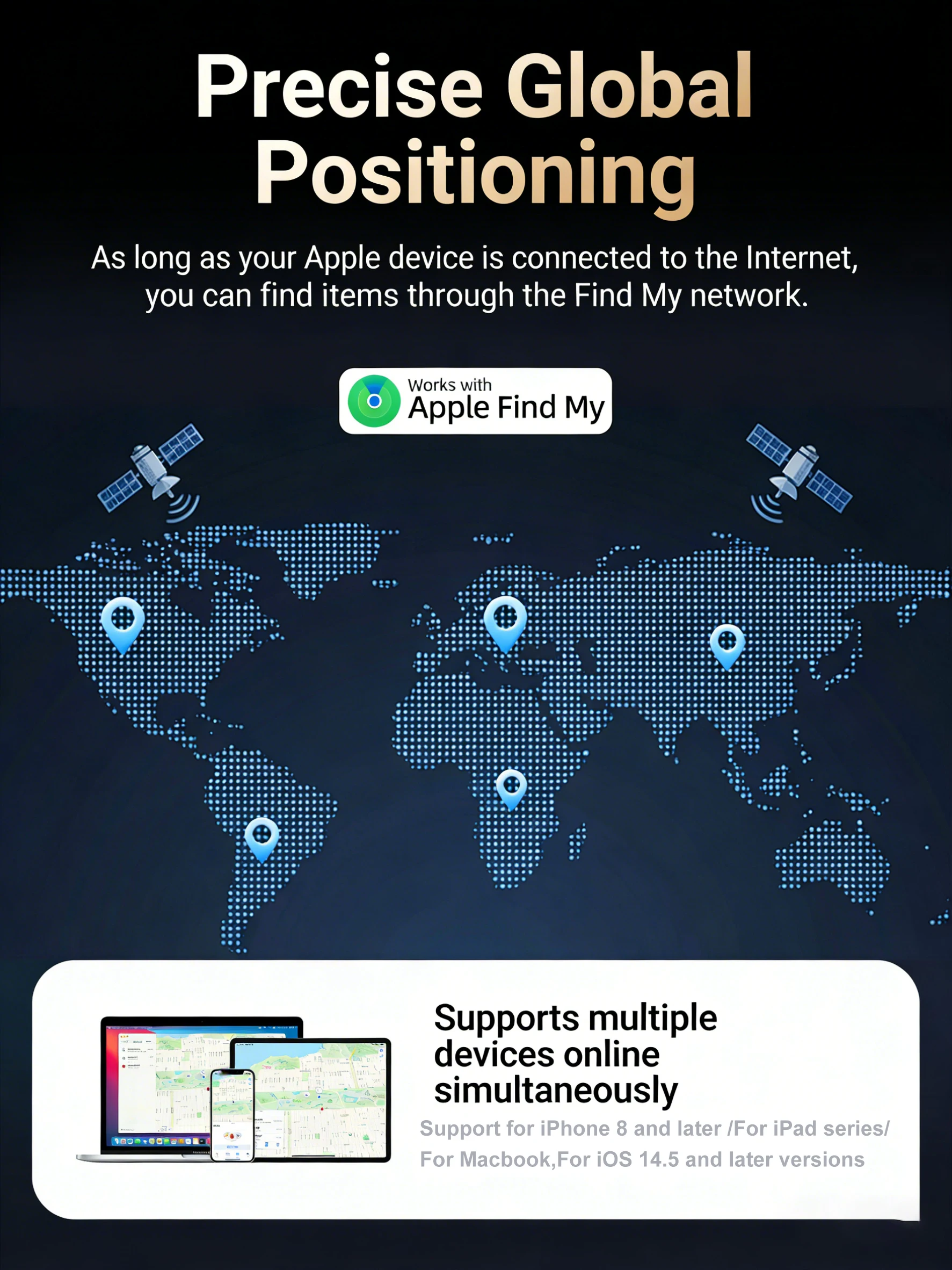
6. Compatible for iPhone 8 and above for Apple mobile phones, for Macbook,for iPad (for iOS14.5 or later)
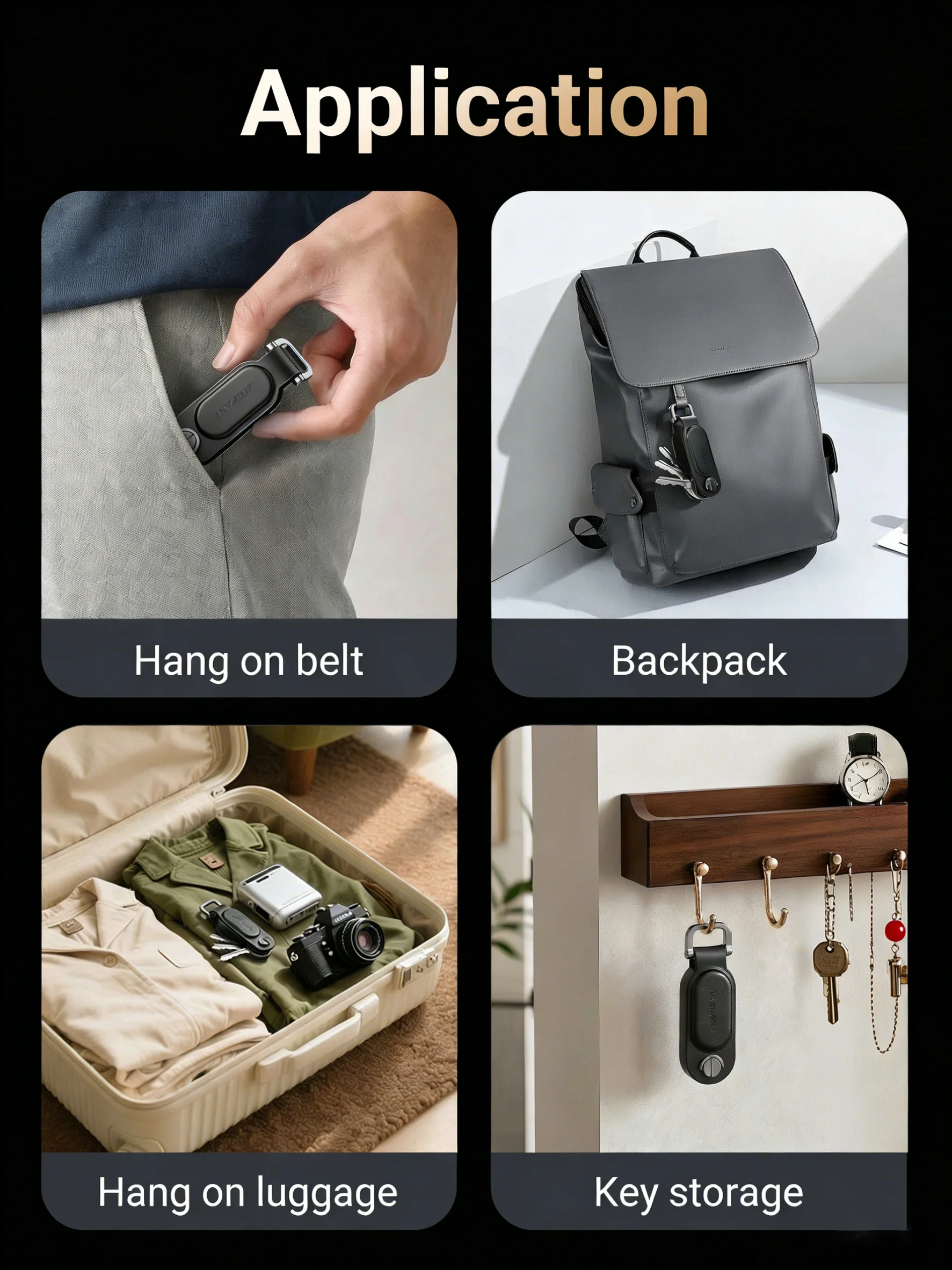
1.The keychain features skin-friendly PU leather material, paired with a sturdy and durable metal clasp.
2.The product is MFi-certified for Apple, enabling simple binding operation and convenient connection.
3.Global precise positioning: As long as there is a network-connected Apple device near this device, the item can be found via the Find My network.
4.Works with the Find My app to send loss alerts for proactive anti-loss protection; plays a sound within Bluetooth range for quick item retrieval.
5.One locator can bind up to 32 locators, and one locator can be shared with up to 5 devices.
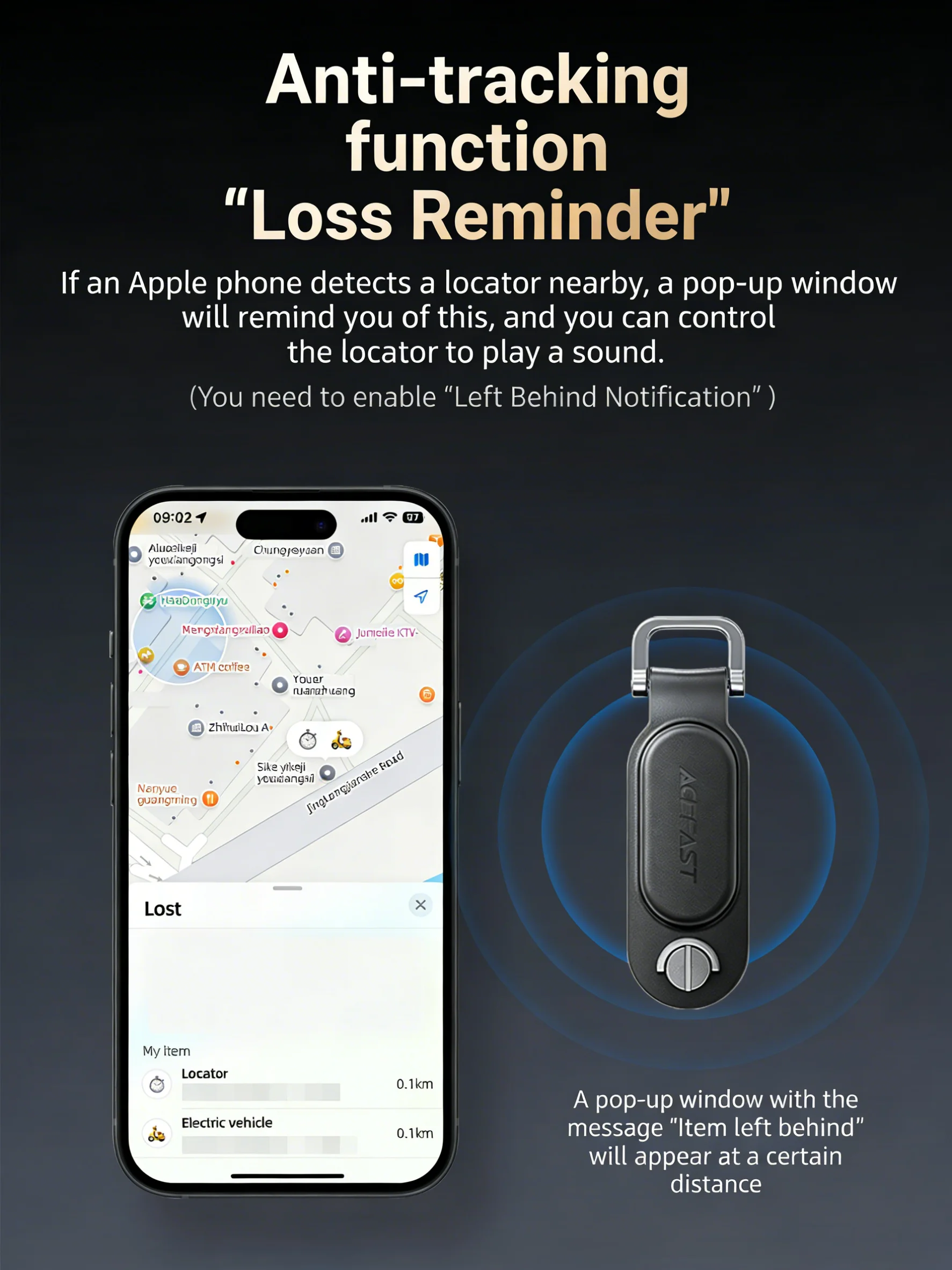
Equipped with anti-tracking function: If for Apple devices detect a nearby locator unexpectedly, a pop-up alert will appear and the locator can play a sound.
Note: For iOS or For macOS is version 14.5 or above.
1.1 Place the product near for Apple device (such as for iPhone).
1 .2 Turn on BT on your Apple device (such as for iPhone) and connect to the Internet.1.3 Press the product on/off key once. You'll hear a beep to indicate that the power is connected
1.4 In the "Find" APP click Add ltemrOther supported items.
1 .5 Click "Continue".
1.6 Name your product and click "Continue"
17 Select an emoji.
1 .8 Click "Continue", then click "Finish" to complete the pairing